Building AI literacy for students: Age-appropriate elementary activities
Teach practical AI literacy for students with these activities requiring zero tech. Start tomorrow with pattern games, sorting exercises, and lessons.
Cheska Robinson • Jan 21, 2026
AI Literacy Safety & Policy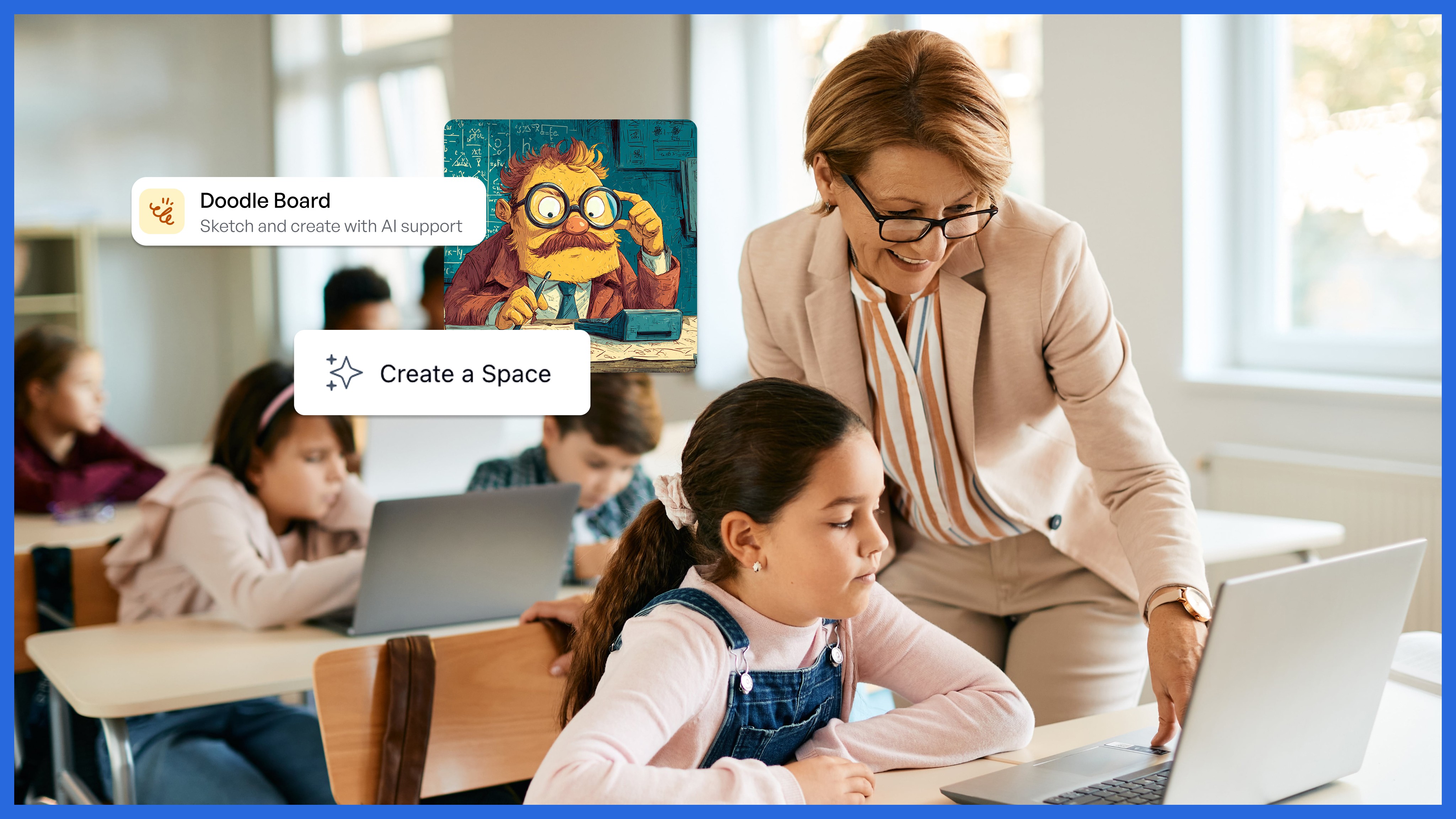
Key takeaways
-
Start teaching AI literacy for students tomorrow using zero-tech activities like pattern recognition games and sorting exercises.
-
Elementary AI literacy focuses on understanding how AI works, not using AI tools, making it accessible regardless of technology access.
-
Cross-curricular integration through 10-15 minute activities saves time compared to separate AI units.
-
In a 2024 Education Week Research Center survey, 58% of educators reported they had not received any AI training – so you're not alone in wanting clearer support.
Your principal mentioned "AI literacy" in the staff meeting. Your fourth grader asked if AI could help with homework. Parents are emailing about screen time and AI safety.
How do you teach artificial intelligence (AI) literacy for students when you barely understand it yourself? Where do you find time for another initiative?
Here's the answer: Teaching AI literacy for students in elementary school doesn't require AI tools or overhauling your curriculum. According to ISTE and ASCD, many educator-facing AI literacy resources recommend starting with "unplugged" activities that build the underlying concepts first.
A simple, kid-friendly definition you can use tomorrow: AI is when computers find patterns in data to make predictions or decisions.
Introduce AI literacy for students using unplugged activities
The biggest misconception about elementary AI literacy is that you need technology. According to the ISTE guide, unplugged activities (no computers required) are widely used to introduce AI ideas in developmentally appropriate ways.
Here's what teachers discovered works best with these three foundational activities:
Pattern recognition warm-ups (5 minutes)
Display a sequence: circle, square, circle, square, ___. Students predict what comes next. Then connect it: "AI learns by finding patterns, just like we did."
Pattern recognition naturally integrates across subjects: mathematics uses number patterns, reading explores story structure, science identifies weather patterns, and social studies applies decision-making processes.
Quick learning target (say it out loud): "I can explain what a pattern is and how patterns help computers make guesses."
The intelligent piece of paper game (15 minutes)
This classroom-tested activity demonstrates the difference between following rules and actual thinking. One student acts as the "interface," reading instructions from a paper that plays perfect tic-tac-toe. Classmates realize the paper isn't "smart": it's following rules, similar to how a computer follows steps and uses patterns to choose a move.
To try this activity, create a decision tree on paper with all possible tic-tac-toe moves. The student reader follows the instructions exactly while classmates play against them. The discussion afterward reveals that AI can look "smart," but it doesn't understand the game like humans do – it's applying rules/patterns to pick a response.
Quick reflection questions: "What information did the 'paper' need to decide?" "Did it understand why a move was good?"
Sorting activities (10 minutes)
Students sort classroom objects by attributes they choose. Then explain: "AI sorts information using similar methods. When you search for 'dogs' online, AI classifies images based on features."
For grades K-2, use obvious categories. For grades 3-5, introduce edge cases: "Is a tomato a fruit or a vegetable?" to show how AI faces decision-making challenges.
Teacher move for bias/limitations (30 seconds): "If we sort using only one feature, what could we miss? What would make our sorting unfair?"
Integrate AI literacy concepts into existing lessons
Karen Griffin emphasized incorporating AI "into the lessons they're already learning" rather than creating new units.
Integrating AI concepts into existing curriculum takes less time than standalone units. Here's how teachers make it work:
Decision trees during morning meeting (12 minutes)
Create a simple decision tree: "What should I wear today?" Students answer yes/no questions leading to outcomes. This teaches algorithmic thinking. Connect it: "AI uses decision trees to make predictions."
This works in science for classification, math for logic statements, and social studies for decision-making.
Learning target: "I can follow an algorithm (step-by-step rules) and explain how it leads to a decision."
Training AI through examples (15 minutes)
Students write sentences while classmates vote on categories. This teaches machine learning fundamentals. Explain: "This is how we 'train' AI: by showing examples."
Make it more concrete: Use 2 categories (e.g., "opinion" vs. "fact" or "needs" vs. "wants"), then test new sentences and discuss disagreements as "messy data."
Data collection in science (integrated)
During existing observations, add: "AI needs data to learn patterns, like our graph shows temperature patterns." Students tracking weather or plant growth are learning AI literacy concepts.
Add one sentence for accuracy: "Better data (more examples, clearer measurements) usually helps AI make better predictions."
Explore simple AI tools after students understand the basics
Once students understand concepts through unplugged activities, some classes can explore browser-based activities for grades 3-6, but only with district-approved tools and clear privacy expectations.
Students can train simple AI models to classify images, providing training examples and testing accuracy. Two commonly used options are Google's Teachable Machine and Machine Learning for Kids.
Image generation for descriptive writing (15 minutes)
Students read a passage, write 2-3 descriptive sentences, then use a free AI image generator to test if their description produces the intended image. The class discusses what made descriptions effective, deepening understanding of precise language.
Teacher Jessica Pack has described using an AI image generator with students to demonstrate comprehension by iterating on prompts and evaluating whether the image reflects key details from a text.
Safety note for teachers: Use only approved, age-appropriate tools and avoid student personal information in prompts.
Vocabulary builder activities
For grades 3-5, vocabulary activities introducing AI terms through real-world examples work well as quick 15-minute modules. Focus on terms like "algorithm," "pattern recognition," and "machine learning" with concrete classroom examples students can relate to.
Communicate AI literacy for students with families proactively
Your parent communication strategy matters. Recent guidance for families recommends asking what tools are being used, what the school's policies are, and how teachers are being supported.
Proactive communication prevents confusion and builds trust. Here's what works:
Lead with learning outcomes
Start with what students will learn: "We're teaching your child to understand how AI works, recognize where it's used, and think critically about technology."
According to parent communication research, emphasize your active role in teaching responsible AI use.
Emphasize unplugged activities
When parents worry about screen time, explain that elementary AI literacy emphasizes understanding, not screens. Share examples: "Your second grader sorted classroom objects to understand AI classification. No screens required."
Address common questions proactively
According to Stanford's parent guidance, families often want clarity on what's happening in class, what supports teachers have, and what safeguards are in place.
Send a newsletter covering:
-
Specific activities students are doing
-
Free, vetted resources you're using
-
Supervision protocols
-
How this prepares students for their future
Frame it as critical thinking
Position AI literacy as "how to question tools," not "how to use tools."
Support AI literacy for students with structured teaching tools
SchoolAI's approach is designed to keep teachers in control through teacher-created "Spaces" and a Mission Control view of student activity.
Create a pattern recognition Space that students can explore at their own pace. Mission Control is positioned as a real-time visibility tool for monitoring progress and support needs.
Add PowerUps to create differentiated materials for various learning levels. SchoolAI also describes translation support "into more than 60 languages" via a Translator PowerUp.
The difference from consumer AI tools is intentionality. You create structured learning experiences with guardrails and visibility into every interaction within safe platforms.
For teachers building AI literacy for students, AI tools create materials quickly. Generate examples for pattern recognition activities, create discussion prompts, or adapt lessons for different reading levels.
Begin teaching AI literacy for students in small steps
Teaching elementary AI literacy doesn't require becoming an AI expert.
-
Week one: Add AI vocabulary to transition times. "AI means artificial intelligence: computers that can learn patterns."
-
Week two: Try one unplugged activity. Pattern recognition or sorting activities require minimal preparation.
-
Week three: Integrate one AI concept into existing lessons. Weather graphing becomes a discussion about how AI learns from data.
-
Week four: If ready, explore one browser-based activity. Simple classification activities work as complete 45-60 minute lessons.
The key is starting where you are. Your students need you to guide their curiosity and help them think critically about technology shaping their world.
Frequently Asked Questions
AI literacy for students refers to the skills and knowledge needed to understand how artificial intelligence works, how it is used in everyday life, and how to engage with it responsibly. It includes recognizing the strengths and limitations of AI, understanding basic concepts like data and algorithms, and knowing how to question or validate AI-generated outputs. Developing AI literacy helps students become informed, critical users of emerging technologies.
AI literacy is important for students because AI technologies increasingly influence academics, career pathways, and daily decision-making. When students understand how AI systems function, they are better prepared to use digital tools effectively, identify potential bias, protect their personal data, and evaluate information critically. Strong AI literacy skills also support future readiness by preparing students for careers in fields shaped by automation
Schools can help students build AI literacy by teaching foundational concepts such as data collection, algorithms, and model limitations, while also encouraging hands-on exploration of age-appropriate AI tools. Effective strategies include integrating AI discussions into existing subjects, offering project-based learning that shows how AI solves real problems, and providing guidance on digital citizenship and ethical use. Clear explanations, visual examples, and teacher-led demonstrations help students understand both the benefits and risks of AI.

About the author
Cheska Robinson
Education Specialist at SchoolAI, Former Instructional Technology Specialist
Cheska started her career as a science teacher, where hands-on learning and student curiosity shaped how she thinks about great classrooms. At SchoolAI, she partners with educators exploring practical, people-first ways to bring AI into their teaching, building professional learning that feels approachable, rooted in real classroom needs, and focused on keeping learning personal.
Transform your teaching with AI-powered tools for personalized learning
See how every student is doing, and know what to do next.