
One platform, connected to every tool your district already uses
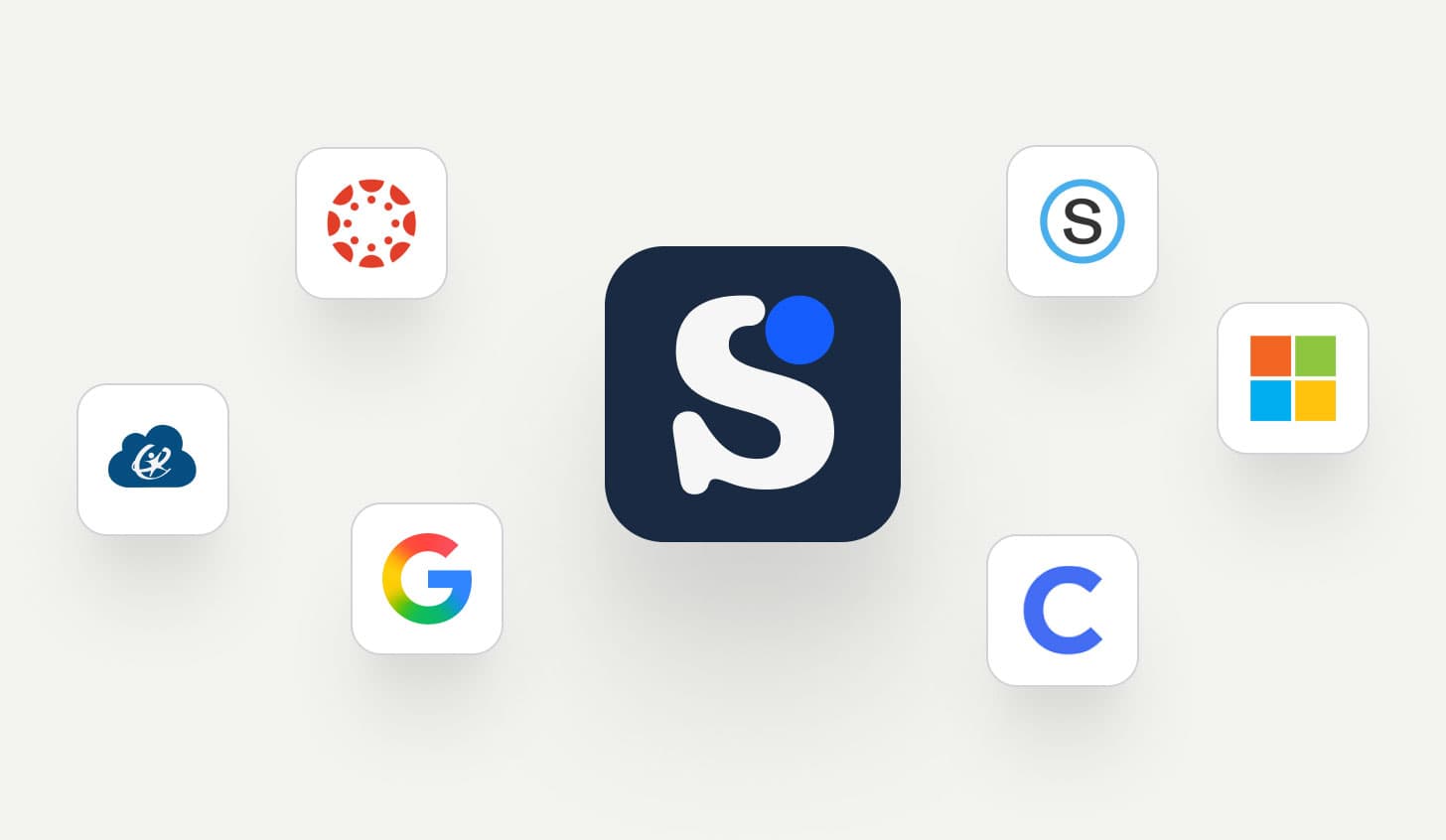
SchoolAI connects with your LMS, SSO providers, and student information systems so deployment works with your existing infrastructure.
For teachers
Teachers launch Spaces from the LMS and share them in one click. Students get the same governed AI experience without leaving the tools they already know.
For students
Students get their AI Sidekick inside Canvas and Google Classroom without a separate login or new tool to learn.
For school leaders
District-wide deployment through SSO and rostering your IT team already manages. Every student interaction is visible through Mission Control from day one.
Works inside the systems your district has already invested in
Platform | Type | What it enables |
|---|---|---|
 | LMS | Full LMS integration: students access their AI Sidekick and Embedded Spaces directly inside Canvas. Teachers launch Spaces as assignments, and the SchoolAI Teaching Assistant lives in the LMS alongside everything else. |
 | LMS + SSO | Sign in with Google, launch Spaces as Classroom assignments, and give students AI-powered feedback on any Google Doc. Rubric-aligned summaries, inline comments, and revision history, all from the Browser Extension without leaving Google Workspace. |
 | LMS | Launch Spaces directly into the LMS for easy student access |
 | SSO | Rostering-enabled sign-in to allow easy access for teachers and students |
 | SSO | Sign-in with ClassLink |
 | SSO | Sign in with Microsoft; enable easy access across devices |
LMS
Full LMS integration: students access their AI Sidekick and Embedded Spaces directly inside Canvas. Teachers launch Spaces as assignments, and the SchoolAI Teaching Assistant lives in the LMS alongside everything else.
LMS + SSO
Sign in with Google, launch Spaces as Classroom assignments, and give students AI-powered feedback on any Google Doc. Rubric-aligned summaries, inline comments, and revision history, all from the Browser Extension without leaving Google Workspace.
LMS
Launch Spaces directly into the LMS for easy student access
SSO
Rostering-enabled sign-in to allow easy access for teachers and students
SSO
Sign-in with ClassLink
SSO
Sign in with Microsoft; enable easy access across devices
Rostering through 30+ SIS partners so every student and teacher is provisioned automatically


eSchoolPlus (PowerSchool)


Built on trust
Schools trust us with their students. Everything we build starts from that responsibility.



Student protection is non-negotiable
SchoolAI flags crises in real time, never poses as human, and connects students to trusted adults. Student safety governs every design decision, from model selection to alert routing.
Grounded in research
Our ESSA-validated logic models and active research pipeline study how AI affects learning. Our Ethics Advisory Council keeps what we build aligned to the evidence, and publishes their recommendations openly so the whole field benefits.
Teachers stay in control
Every safeguard, content boundary, and AI behavior is configurable by educators. Dot operates within the boundaries your district sets.
Your data stays yours
Every AI provider we work with is contractually bound never to train on or sell student data. SOC 2 Type 2 compliant and 1EdTech certified, FERPA and COPPA compliant.










Talk to our team
We'll walk through your district's LMS, SSO, and rostering setup so deployment fits your existing infrastructure.