AI for teacher coaching: Amplify your instructional impact
See how AI for teacher coaching transforms instructional conversations with data-driven insights, personalized professional development, and scalable support.
Stephanie Howell • Feb 10, 2026
Instructional Coaching & Professional Learning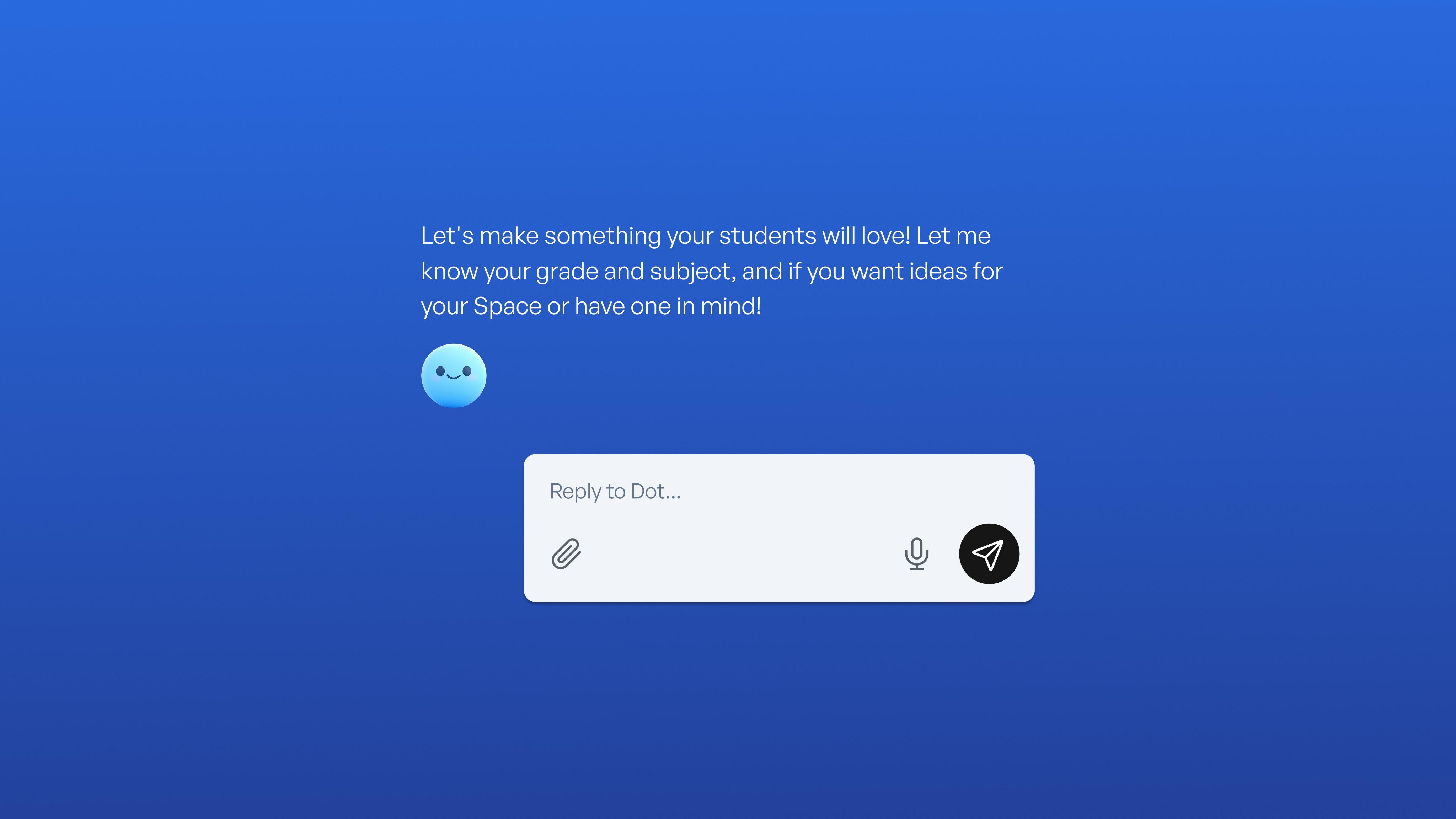
Key takeaways
-
Tech coaches can guide teachers through AI tools that handle routine tasks, freeing educators to focus on feedback and relationship-building
-
AI-generated quizzes, leveled texts, and instant feedback help teachers differentiate instruction, leading to stronger learning gains
-
Personalized tutoring adapts hints and examples to each learner the moment confusion appears
-
Engagement metrics like participation rates and time-on-task show concrete improvement when teachers use AI strategically
-
Successful AI integration depends on thoughtful coaching that sets clear ethical boundaries and uses safe, compliant tools
Your role as a tech coach has transformed. Teachers now ask about AI tools that can write quizzes, spot struggling students, and provide instant feedback in minutes.
AI can help identify patterns, adjust activities on the spot, and reduce busywork so teachers can spend time with students. This guide provides practical frameworks showing how smart coaching turns new AI features into everyday wins for both teacher effectiveness and student engagement, grounded in early pilot data and school-level results rather than universal guarantees.
Start with strategic tool selection that solves real problems
Success starts with matching technology to actual classroom needs. Instead of introducing every new platform, focus on tools that solve specific problems teachers face daily.
Begin by asking teachers what frustrates them most. Grading piles? Differentiation challenges? Creating multiple quiz versions? Then pick one AI tool that directly addresses that pain point.
Guide teachers through gradual implementation. Use a three-week cycle: Week one, co-create content during planning time. Week two, let the teacher drive while you observe. By week three, they're running independently, and you're checking in briefly. This gradual approach builds confidence without overwhelming teachers.
Part of strategic tool selection is also helping teachers move beyond surface-level use. Coaching teachers on effective prompt engineering, how to write clear, specific instructions for AI tools, is one of the highest-leverage skills a tech coach can develop. A teacher who knows how to prompt well gets dramatically better outputs, whether they're generating differentiated reading passages or formative assessment questions.
Use AI to create measurable engagement wins
The real power of AI training lies in tech coaches helping teachers create more engaging, personalized learning experiences. You can track concrete engagement improvements that demonstrate AI's impact.
Track participation and time-on-task improvements
When you train teachers to use AI tools strategically, you can measure engagement through specific metrics:
-
Participation rates: Count how many students actively respond during discussions
-
Time-on-task: Monitor how long students stay focused without redirection
-
Voluntary contributions: Note when quiet students start asking questions
-
Assignment completion: Track the percentage of time spent finishing work during class
For example, imagine a seventh-grade teacher noticing that, in her class, only about a third of the students usually spoke up during discussions. She can decide to try an AI-powered learning space for a couple of weeks; the resulting participation gains are based on classroom-level trends rather than guaranteed outcomes, but she may see more students joining in and quieter students asking questions in the chat.
Address misconceptions while motivation stays high
Tech coaches can train teachers to use AI-powered dashboards that surface student understanding in real time, reducing the need to wait for end-of-week quizzes to spot learning gaps.
For example, in a ninth-grade algebra class, the dashboard might alert the teacher that five students keep confusing slope and intercept. The teacher can immediately pull those students for a three-minute reteach while others continue practicing. This real-time intervention keeps all students progressing.
Show teachers how to measure misconception resolution speed. Track how quickly students overcome confusion after AI flags an issue. If a student typically needed 24 hours to master a concept but resolved it in one class period with AI-supported intervention, that improvement reflects classroom-level results rather than universal performance guarantees.
Personalize learning experiences that keep students active
When tech coaches train teachers in AI use for student engagement, personalized learning becomes achievable for every student. AI can help track individual progress, adjust difficulty in real time, and surface patterns you'd miss across diverse students.
Implement adaptive learning that maintains challenge levels
Teach teachers to use AI platforms that adjust content difficulty based on student performance. When a student breezes through basics, the system increases complexity. When another student struggles, hints appear, and examples simplify.
For example, an eighth-grade teacher using an AI-powered gravity activity might notice the platform providing advanced orbital mechanics problems to confident learners, while offering visual diagrams to students needing more support. The dashboard flags struggling students for timely assistance, helping keep all learners in their optimal growth zone.
Create interactive experiences that drive active learning
Tech coaches can help teachers explore AI-powered tools that transform passive content into active participation. Students engage more when they do rather than simply read.
Show teachers how to use tools with interactive elements like flashcard competitions, collaborative simulations, or hands-on graphing tools. Start with a one-week pilot, offer a short demo, then collect teacher and student feedback.
Coaches can also guide teachers in using AI to support low-stakes self-reflection, giving students private space to ask questions they might not raise in class. When students know they can get a hint or restate a problem without judgment, they stay in the learning zone longer, and that persistence shows up in the engagement data coaches are already tracking.
Build sustainable AI integration across your school
Individual teacher success matters, but sustainable change requires system-wide strategies. Use proven frameworks and gradual scaling to build AI adoption that lasts.
Use frameworks to guide systematic adoption
Tech coaches can use AI training frameworks like the TeachAI Toolkit and CIDDL's Responsible AI guide to match tools to real classroom goals while keeping student data safe.
Here's a simple four-step cycle:
-
Find willing teachers and let them pick one AI tool solving a real problem
-
Try it for two weeks, using framework questions to set clear goals and privacy boundaries
-
Meet weekly to review student work and adjust; document what works
-
Share results at your next staff meeting and offer a workshop for interested teachers
Scale through teacher champions who share real data
Success in tech coaching with AI doesn't come from mandates. Start with curious teachers who volunteer; they'll become your champions. Let them share experiences during faculty meetings, focusing on specific engagement data rather than general enthusiasm.
Ask champions to present simple data. For example, "Before AI tutoring, 18 students turned in complete homework. After two weeks, 27 completed assignments."
Teacher-to-teacher recommendations with concrete numbers drive adoption better than top-down directives.
Developing internal champions also creates a more sustainable coaching model. When peer educators lead the conversation, AI adoption becomes part of the school's professional learning culture rather than a top-down initiative. That cultural shift is what makes change last beyond a single school year.
Address privacy concerns proactively
When tech coaches train teachers in AI use, privacy questions come up immediately. Be transparent about data handling from the start. Platforms like SchoolAI maintain FERPA and COPPA compliance with built-in safety monitoring.
Create simple visual guides showing how student data flows and who can access it. Establish clear protocols so teachers know who to contact when issues arise.
Beyond compliance, it also helps to coach teachers in how to talk with students and families about AI use. When students understand what data is collected and why, and when families receive clear, jargon-free communication, trust increases across the whole school community.
One of the most consistent barriers to AI adoption is teacher confidence, not access. Many educators have the tools available but hesitate to use them because they don't yet feel fluent enough to guide students through AI-supported work.
Tech coaches can address this directly by creating low-stakes spaces for experimentation: short "structured play" sessions where teachers try an AI tool on a familiar task, like generating a reading passage at two different levels, without any pressure to deploy it immediately. Over time, these small wins build the kind of confidence that transfers to the classroom. Coaches who document and celebrate these moments of growth, sharing them back with teachers as evidence of progress, reinforce a culture of continuous learning that makes AI literacy a professional value, not just a technical skill.
How SchoolAI supports tech coaches in training teachers
When you need to demonstrate concrete AI value to teachers, SchoolAI provides a comprehensive toolkit that makes your training efforts more effective. SchoolAI is a teacher-guided, student-safe AI learning platform built to help educators understand how students learn and personalize instruction in real time, giving teachers something they've rarely had before: visibility into how every individual student approaches a problem.
-
Spaces streamline lesson design. You and a teacher design an activity once, and Dot, the platform's AI sidekick, automatically adjusts prompts, reading levels, or hints for every student. Add a PowerUp like flashcards or an interactive graphing calculator, and lessons become hands-on without extra prep.
-
Mission Control tracks engagement as it happens. It shows live flags for stuck moments, breakthrough insights, and rising misconceptions. You can help teachers identify exactly when engagement drops (student stops responding for 3+ minutes) or spikes (student asks three follow-up questions in five minutes), then adjust instruction immediately.
-
Discover's 150,000+ resources eliminate the need to start from scratch. Filter by standard or subject, clone a proven lesson, and tweak it before sharing.
What makes SchoolAI especially useful for instructional coaches is the layer of insight it provides into student thinking: the questions students ask, the strategies they try, and the moments they break through. That data becomes the foundation for richer coaching conversations, grounded in what's actually happening in learning rather than what teachers estimate is happening.
The result is a coaching cycle that works: less time building materials, more time refining instruction based on engagement data, and students who stay active because content meets them where they are.
Frequently Asked Questions
AI tools help teachers create more personalized learning experiences by using data to tailor instruction to individual student needs. By analyzing student performance and engagement patterns, AI can suggest adjustments to lesson plans, ensuring that content is suitable for different learning styles and paces. This capability allows teachers to address the diverse needs within a classroom, providing targeted interventions and support for students who may be struggling or those who are excelling.
Common AI-powered lesson analysis features in teacher coaching include automatic transcription of classroom discussions and speaker identification, which helps coaches focus on key moments without sifting through hours of footage. These tools also categorize different types of questions, such as those promoting higher-order thinking, and analyze wait times between teacher questions and student responses to optimize engagement strategies.
AI integration maintains teacher control by enhancing, not replacing, their ability to create and manage learning experiences. Teachers use AI tools to gather data on student engagement and learning patterns, which they can then interpret and act upon. This empowers teachers with evidence-based insights while allowing them to apply their professional judgment and expertise. For instance, AI can provide data on student participation and question types, helping teachers adjust their instructional strategies more effectively.

About the author
Stephanie Howell
Education Specialist at SchoolAI, Former Teaching and Learning Coordinator
Stephanie is a former teaching and learning coordinator with a background in instructional coaching, classroom management, and curriculum development. She holds a master's in educational leadership from Western Governors University. At SchoolAI, she works with schools to lead AI adoption and professional learning, turning new tools into classroom-ready practice that teachers can put to work right away.
Transform your teaching with AI-powered tools for personalized learning
See how every student is doing, and know what to do next.