Strategic AI implementation with the 4Cs framework
How to implement AI in your classroom with the 4 Cs framework. Learn how to prioritize student safety, creativity, and critical thinking.
Stephanie Howell • Jan 30, 2026
AI Literacy Safety & Policy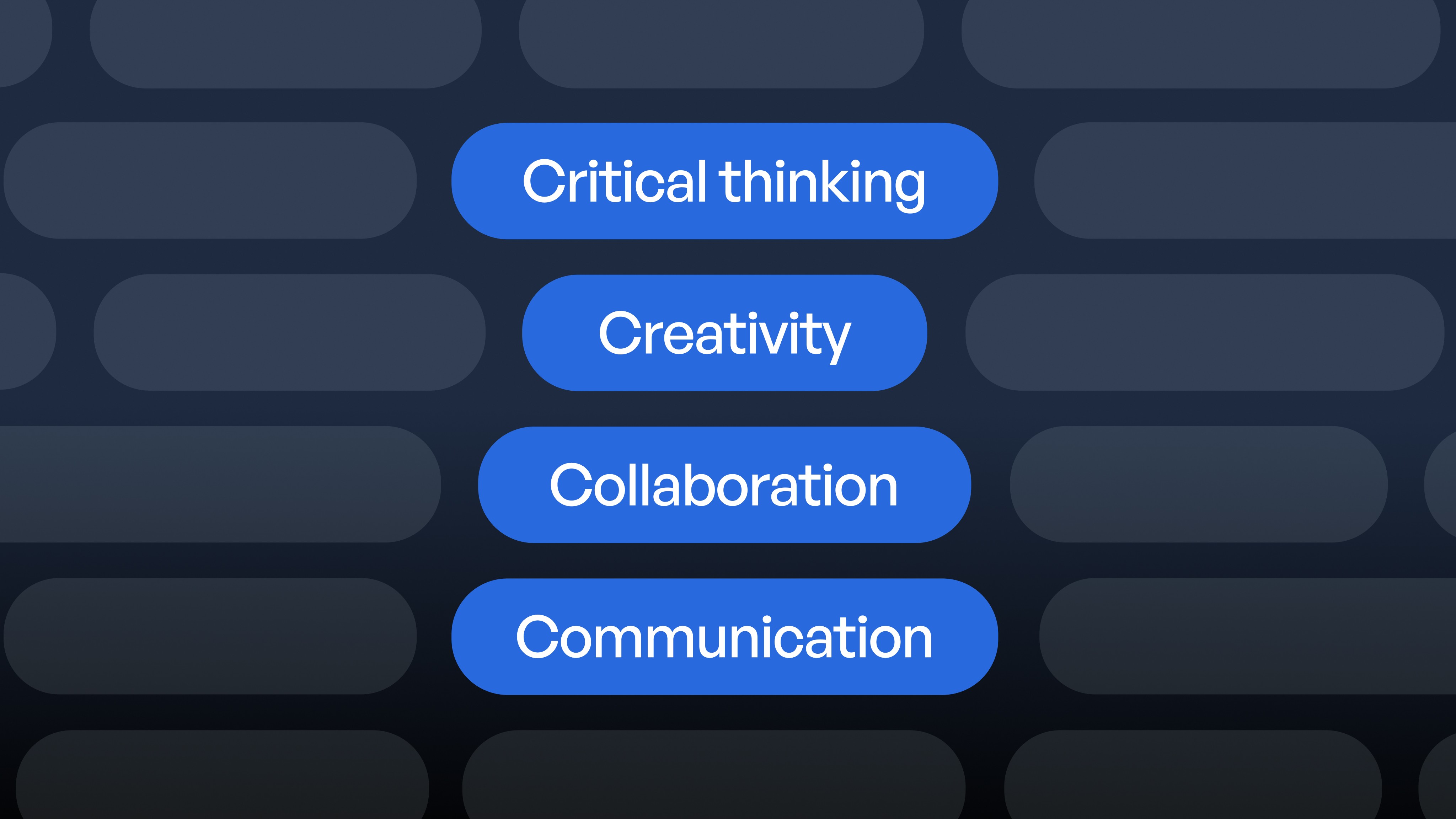
Key takeaways
-
The 4 Cs framework uses Critical Thinking to question bias, Creativity to enhance original thinking, Collaboration to define human-AI roles, and Communication to ensure transparency
-
Critical-thinking guardrails require a Skeptical Inquiry Protocol that questions data sources, references, missing perspectives, and potential bias in every AI output
-
Creative boundaries establish clear AI usage policies for brainstorming and visual prototypes while requiring citations and maintaining student voice
-
Ethical collaboration on AI implementation in your school could mean assigning specific roles like Prompt Engineer and Bias Checker while preserving human connection through student-led summaries and rotated responsibilities
-
Transparent communication builds trust through usage statements that explain tool selection, learning goals, and data protection
Fresh data reveals unprecedented growth in educational AI implementation, with 60% of teachers now incorporating AI into their regular teaching routines, representing a dramatic shift from experimental use to strategic classroom integration. Meanwhile, 89% of students are using ChatGPT for homework assignments, indicating that AI implementation in education has moved far beyond teacher-led initiatives into student-driven adoption.
With this rapid acceleration, strategic AI implementation has become essential for educational leaders, and there is a need for a clear, educator-led strategy that protects students while focusing on their learning goals. This is where SchoolAI's 4 Cs come into play: Critical Thinking, Creativity, Collaboration, and Communication.
Consider this framework your partnership agreement with AI, complete with guidelines for ethical AI implementation that keep you in control and your students safe.
Your strategic AI implementation checklist
Data privacy remains a major concern for teachers regarding AI implementation. Recent research shows that educational institutions experience more ransomware attacks than healthcare or government sectors, making security protocols essential.
Here's a comprehensive guide to maintaining control over your classroom while teaching students to navigate an AI-integrated world with confidence.
-
Create a clear statement for families, students, and colleagues that explains when and how you'll use AI in your classroom. Develop a questioning protocol that helps students challenge sources, identify bias, and verify recency in every output.
-
Establish boundaries around creative use that ask students to acknowledge AI assistance while maintaining their authentic voice.
-
Assign students rotating roles, such as Prompt Engineer, Bias Checker, Fact Verifier, to build ethical collaboration skills and digital citizenship.
-
Plan regular check-ins each term to review what's working, refine your guidelines, and adapt to your students' evolving needs.
The 4 Cs framework for ethical AI implementation
The 4 Cs provide your practical framework for classroom decisions regarding responsible AI implementation. Research demonstrates that students in AI-enhanced active learning programs achieve 54% higher test scores than those in traditional environments, but these benefits only materialize through thoughtful, structured implementation.
-
Critical Thinking asks: "What might be missing or biased here?" You guide students to question responses, verify facts, and identify gaps (essential skills given that AI teacher assistants generate more punitive recommendations for students with Black-coded names).
-
Creativity asks: "How can these tools enhance, and not replace, original thinking?" Using AI as a brainstorming partner preserves student voice while expanding possibilities.
-
Collaboration defines roles: "Where do humans lead and where does technology assist?" Students learn to work as prompt engineers, fact-checkers, and creative directors, keeping human judgment central.
-
Communication focuses on transparency: "Who needs to know we used these tools, and how do we share this information?" Clear usage statements build trust with families and colleagues.
Understanding these four principles provides the foundation, but putting them into practice requires concrete strategies. Let's explore how to build each of these elements into your daily classroom routines.
Step 1 – Build critical-thinking guardrails
As technology adoption accelerates, educators report significant time savings. This translates into time that teachers can spend with their students, but AI accuracy and bias concerns persist. Support your students in developing critical thinking by treating every AI output as a starting point for discussion, not the final answer.
Create a Skeptical Inquiry Protocol for each interaction. When you or your students use these tools, pause to ask:
-
Who created this dataset?
-
Which sources are referenced, and are they current?
-
What perspectives might be missing?
-
How might bias appear?
This protocol becomes increasingly important as 70% of teachers worry that AI weakens critical thinking and research skills.
SchoolAI Mission Control helps you monitor patterns in prompt usage and identify potential issues. For instance, younger students might compare AI-generated animal facts with library books, while older students can analyze and revise potentially biased content to meet fairness standards.
Step 2 – Channel creativity with clear boundaries
Technology should enhance imagination, not replace it. Research shows 75% of students report feeling more motivated in personalized AI learning environments compared to just 30% in traditional classrooms, highlighting AI's potential to enhance rather than diminish creative engagement.
SchoolAI's Spaces offers controlled environments where students can experiment within a safe setting without risking data privacy or encountering inappropriate content. Ask them to document their prompts and revisions in a reflection journal, making their thinking visible for your assessment.
Practical examples clarify boundaries: Third-graders might co-create digital picture books, integrating personal stories with AI-generated illustrations. High school students in engineering or design courses could use image models to develop eco-product concepts, then evaluate social impact before building physical prototypes.
If technology begins to dominate and student voice diminishes, add peer-review rounds to highlight authentic contributions. Focus your assessment on the process (ideation, iteration, reflection), showing students that creativity lives in their choices, not in the algorithm.
Step 3 – Foster ethical collaboration
When AI supports group work, meaningful human connection remains your priority. Consider assigning specific responsibilities: one student as Prompt Engineer, refining questions; another as Bias Checker, identifying potential stereotypes.
This approach works across grade levels with appropriate adaptation. Student privacy requires clear guidelines, and a simple consent form can outline data handling practices while connecting to your FERPA protections. SchoolAI's built-in FERPA and COPPA compliance takes this burden off your plate, ensuring student data protection is handled automatically according to federal standards.
Watch out for common challenges. When AI responses dominate discussions, pause for student-led summaries; when tech-savvy students overshadow peers, rotate roles regularly; when shared logins create privacy concerns, establish individual credentials and monitor usage.
Step 4 – Ensure transparent communication
Clear communication builds trust when implementing AI tools in your classroom. With 81% of parents saying guidance on responsible AI use would be helpful, and 72% of students agreeing that such guidance would benefit them, your proactive approach becomes your greatest asset.
-
Create a usage statement that connects with your school community through familiar channels. Explain why you've selected these tools, how they support learning goals, and how student data remains protected.
-
Make technology use visible and understandable for everyone. Help students appropriately acknowledge AI-assisted work. Invite parents to observe these tools alongside your teaching.
-
Be mindful of common communication challenges. If your statement becomes too complex, create a simple glossary for both students and parents.
Building and iterating for long-term AI implementation success
Your work doesn't stop after the initial AI implementation phase. Each quarter, review your program: examine usage information, collect reflections, document concerns, and compare practices with evolving guidelines.
Quarterly check-ins align your approach with new research, regulations, and classroom experiences, ensuring technology supports your teaching rather than directing it. Ready to bring responsible AI implementation to your classroom? Sign up for SchoolAI today.
Frequently Asked Questions
To ensure ethical AI implementation using the 4 Cs framework, teachers should integrate each element effectively. Critical Thinking involves challenging students to question AI-generated content and identify biases. Creativity means using AI as a brainstorming partner while requiring students to contribute their own insights. Collaboration focuses on assigning clear roles like "Prompt Engineer" and "Bias Checker" to maintain human oversight. Communication ensures transparency through clear usage statements and open dialogue with students and parents, building trust and accountability.
Educators should understand and communicate data handling policies of AI tools, ensuring compliance with regulations like FERPA. Create transparent statements for parents and students outlining data collection, usage, and protection measures. Consult regularly with IT experts on best practices and involve students in data privacy discussions through classroom activities emphasizing data ethics. By maintaining open communication and regularly updating protocols, educators create a more secure environment for AI integration.
AI tools enhance creativity by serving as collaborative partners rather than replacements. They generate ideas and options, helping students explore new perspectives. Students maintain control by choosing from AI-generated suggestions that align with their vision, ensuring their unique voice remains central. Documenting their creative process reinforces their role as primary creator. This supportive integration amplifies creativity while developing decision-making and critical-thinking skills.

About the author
Stephanie Howell
Education Specialist at SchoolAI, Former Teaching and Learning Coordinator
Stephanie is a former teaching and learning coordinator with a background in instructional coaching, classroom management, and curriculum development. She holds a master's in educational leadership from Western Governors University. At SchoolAI, she works with schools to lead AI adoption and professional learning, turning new tools into classroom-ready practice that teachers can put to work right away.
Transform your teaching with AI-powered tools for personalized learning
See how every student is doing, and know what to do next.