Teaching AI bias: Hands-on classroom activities for K-12
Discover practical strategies for teaching AI bias in your classroom. Get hands-on activities, real-world examples, and tools that help students recognize bias.
Blasia Dunham • Feb 25, 2026
AI Literacy Safety & Policy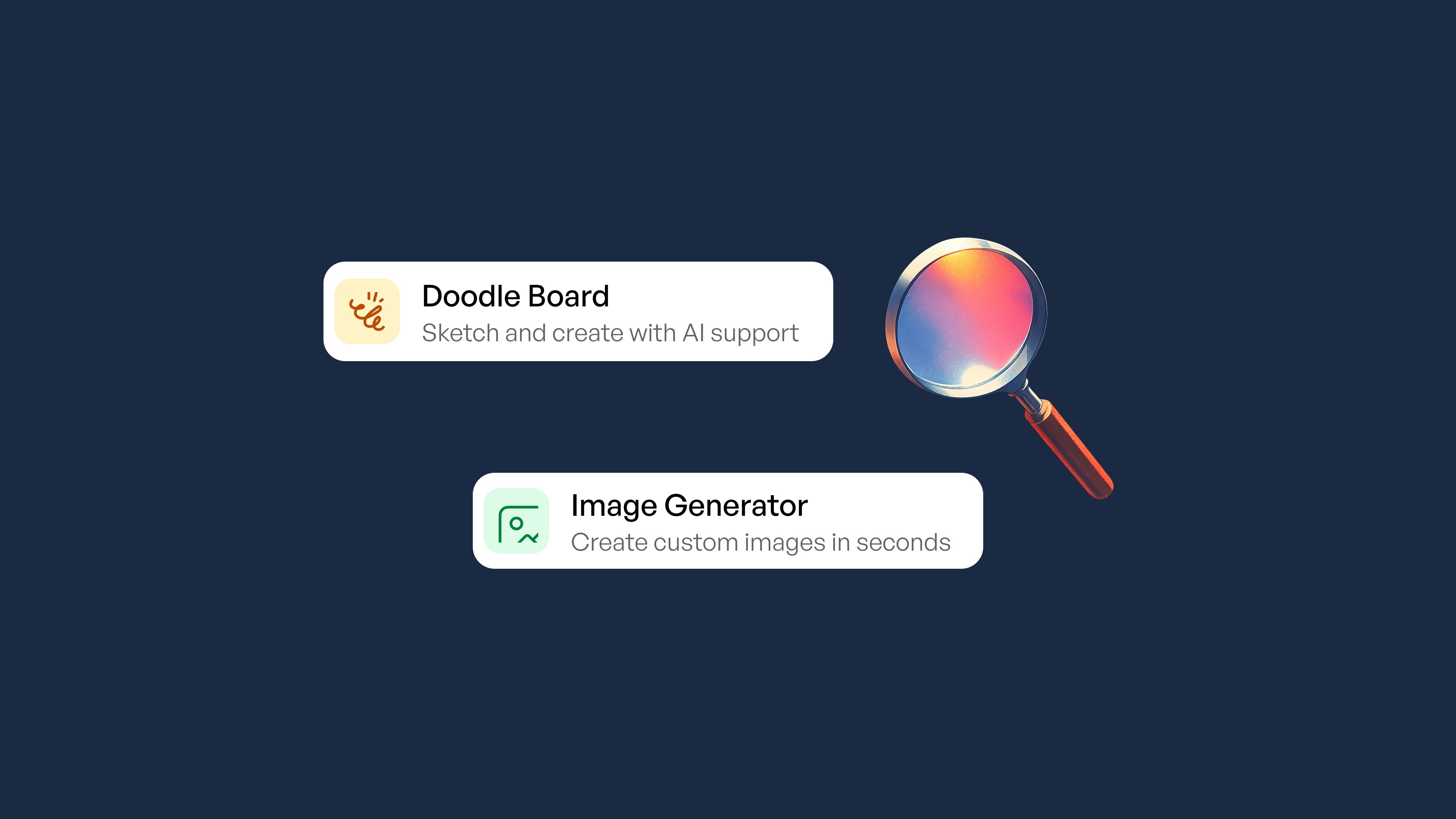
Key takeaways
-
Teaching AI bias through hands-on activities helps students discover how AI learns unfairness from flawed data
-
AI bias activities meet existing digital literacy standards (ISTE, CSTA, Common Core) without adding extra prep time
-
Age-specific activities let you differentiate instruction from grade 3 through high school using SchoolAI's classroom tools
-
Real-world AI bias examples, like wrongful arrests from facial recognition errors, make abstract concepts personally relevant for students
-
Students who discover types of AI bias through experimentation develop deeper understanding than those who only hear lectures
Teaching AI bias is one of the most urgent challenges facing educators today. Students are already using AI for homework, creative projects, and research, but you're stretched thin managing differentiation for 30+ students with wildly different needs.
According to EAB's 2024 Voice of the Superintendent Survey, 97% of superintendents say schools have an obligation to teach students how to use AI effectively and responsibly, yet only 37% have a plan for incorporating AI instruction in the classroom.
You don't need a computer science degree to start teaching AI bias effectively. What you need are hands-on activities where students discover algorithmic bias in AI themselves, supported by tools designed specifically for classroom use.
Why teaching AI bias through discovery works better than lectures
Research from MIT's Personal Robots Group found that when students explore technical AI concepts alongside ethical ones through hands-on activities, they develop a critical lens to better grasp how AI systems work and how they impact society.
When students see their own carelessly-trained image classifier fail to recognize faces with darker skin tones, they understand training data bias in a way no PowerPoint can match. Students need to see AI bias and discrimination examples firsthand, not just read AI bias articles about them.
How SchoolAI makes teaching AI bias practical
Teaching AI bias effectively requires tools built for educational settings that give teachers visibility into student learning while providing appropriate scaffolding for different skill levels. When students explore AI concepts, teachers need to see what students actually understand.
Are they grasping how training data shapes outcomes? Are they understanding the connection between AI bias and hallucinations? Without this visibility, misconceptions go unaddressed.
-
SchoolAI's Spaces let you create controlled AI environments where students can explore examples of bias in generative AI safely. Spaces let you see every student conversation in real-time while the AI adapts to each learner's level.
-
Mission Control gives you a teacher dashboard to monitor all student interactions simultaneously, spotting who's confusing evaluation bias in AI with other types and intervening in real-time.
-
PowerUps are pre-built AI activities you can deploy instantly for structured explorations of algorithmic bias in AI.
-
Discover helps you find and adapt community-created AI bias activities that other educators have already tested.
Hands-on activity: Exploring types of AI bias with SchoolAI Spaces
Here's a teaching AI bias example you can run on Monday using Spaces:
Activity: "Bias Detective" (45 minutes, grades 6-12)
-
Setup (5 minutes): Create a Space with instructions for students to ask the AI to describe "a successful entrepreneur," "a nurse," and "a criminal." Tell students to note patterns.
-
Exploration (15 minutes): Students interact with the AI, asking follow-up questions like "What does this person look like?" They document assumptions the AI reveals.
-
Analysis (15 minutes): Using Mission Control, display anonymized examples of AI responses that showed bias. Students discuss where these assumptions came from.
-
Reflection (10 minutes): Students write about one AI bias and discrimination example they discovered and propose how the AI could be trained differently.
Hands-on activity: Teaching evaluation bias in AI
Activity: "The Hiring Algorithm" (60 minutes, grades 9-12)
-
Introduction (10 minutes): Present the Amazon hiring algorithm case, where the AI learned to penalize resumes containing the word "women's" because it was trained on historically male-dominated data. The system was scrapped in 2018 after engineers discovered it systematically downgraded applications from women.
-
Simulation (20 minutes): In your Space, have students submit fictional job applications with varied names and activities. The AI evaluates them based on criteria you've pre-set.
-
Investigation (15 minutes): Students ask the AI to explain its evaluation criteria, identifying which factors might introduce evaluation bias in AI.
-
Redesign (15 minutes): Students propose fair evaluation criteria and discuss whether algorithmic bias in AI can ever be fully eliminated.
Match AI bias activities to your grade level
-
Elementary students (grades 3-5) should start with concrete fairness concepts. According to the UNESCO AI Competency Framework for Students, younger students need to understand how bias in data or design can lead to unfair outcomes. Create a Space where students ask the AI to describe "a family having dinner," then discuss what families might the AI have learned about.
-
Middle school students (grades 6-8) hit the sweet spot for comprehensive bias education. MIT Media Lab's AI Ethics Curriculum provides complete lesson plans where students investigate how data selection influences AI behavior. Use PowerUps to deploy structured explorations where students test whether the AI describes emotions differently for different types of faces.
-
High school students (grades 9-12) can handle critical analysis of real AI systems. Stanford's CRAFT resources offer multidisciplinary lessons examining algorithmic fairness in hiring and predictive policing. Create a Space where students investigate AI bias and hallucinations together, asking the AI to cite sources then verify accuracy.
Real-world AI bias examples that resonate with students
Facial recognition failures: In January 2020, facial recognition wrongly identified Robert Williams, a Black man, leading to his wrongful arrest in Detroit. He spent 30 hours in detention before charges were dropped in what became the first documented U.S. case of a false arrest caused by facial recognition. Joy Buolamwini's research found government facial recognition datasets were "heavily male and heavily pale," as MIT Sloan reports.
Filter bubbles: Recommendation algorithms on YouTube and TikTok create "filter bubbles" that limit diverse viewpoints, according to systematic research analyzing algorithmic bias across social media platforms. Students can analyze their own feeds to see how algorithmic bias in AI shapes their information diet.
Healthcare disparities: An algorithm used by hospitals to allocate healthcare resources systematically deprioritized Black patients because it used healthcare spending as a proxy for health needs. Researchers found Black patients with the same risk scores as white patients had 26% more chronic illnesses, meaning healthier white patients were flagged for care management programs ahead of sicker Black patients.
Make teaching AI bias sustainable with SchoolAI
You're caught in an impossible position: the majority of your students are already using AI tools regularly, but less than 10% of schools have formal institutional AI policies in place. Meanwhile, 60% of K-12 teachers have used AI tools, but most lack formal training on how to teach students about AI responsibly.
SchoolAI changes this equation with visibility into every student's understanding through Mission Control, differentiation without extra prep through Spaces, and ready-to-use activities through PowerUps and Discover.
These activities align with ISTE Standards, CSTA Standards (2-CS-02, 2-IC-21), and Common Core (RI.7, RI.9, SL.1, SL.2). You're addressing digital literacy standards you're already expected to teach.
The difference between consumer AI tools and SchoolAI is the difference between hoping students learn and knowing they do. SchoolAI gives you the support that makes teaching AI bias sustainable for you and meaningful for your students.
Start teaching AI bias effectively with SchoolAI today and watch your students develop the critical thinking skills they need for an AI-powered future by teaching AI Literacy.
Frequently Asked Questions
Start with relatable examples students encounter daily. Ask them why their social media feeds show certain content, or why voice assistants sometimes misunderstand certain accents. Use SchoolAI Spaces to let students discover AI bias examples themselves by asking the AI to describe people in different professions. When students see the AI consistently describe engineers as male or nurses as female, they grasp training data bias intuitively. The key is hands-on discovery rather than abstract definitions. For more strategies, explore our guide on helping students get started with AI responsibly.
Focus on three core types: training data bias (AI learns from unrepresentative datasets), evaluation bias in AI (measuring success using biased metrics), and algorithmic bias (the math amplifies existing inequalities). For younger students, focus on training data bias through concrete AI bias examples. Middle schoolers can explore how AI bias and hallucinations both stem from data problems. High schoolers can analyze systemic AI bias and discrimination examples in healthcare, hiring, and criminal justice. Mission Control helps you track which types of AI bias students understand. Our 4 C's framework for AI literacy provides a structure for building these critical thinking skills.
Both problems stem from how AI learns from data. AI bias happens when training data reflects human prejudices; AI hallucinations happen when AI generates confident but false information. Teach them together by having students use SchoolAI Spaces to both identify biased assumptions and verify factual claims. When students ask the AI to cite sources and discover fabricated references, they understand why critical evaluation matters. This dual approach builds comprehensive AI literacy while meeting digital literacy standards. For a deeper dive into ethical AI considerations, see our article on exploring AI's role in modern education.

About the author
Blasia Dunham
Education Specialist at SchoolAI, Former Technology Integration Specialist
Blasia is a former technology integration specialist who spent years coaching teachers through co-teaching, hands-on training, and one-on-one support. A semi-finalist for AI Educator of the Year, she's known for turning teacher hesitation into confidence. At SchoolAI, she helps educators find their footing with AI the same way she helped teachers find their footing with tech: side by side, one step at a time.
Transform your teaching with AI-powered tools for personalized learning
See how every student is doing, and know what to do next.