What makes an AI platform safe for K-12?
Learn what makes a K-12 AI platform safe: FERPA, content filters, and educator control.
Cheska Robinson • May 13, 2026
AI Literacy Safety & Policy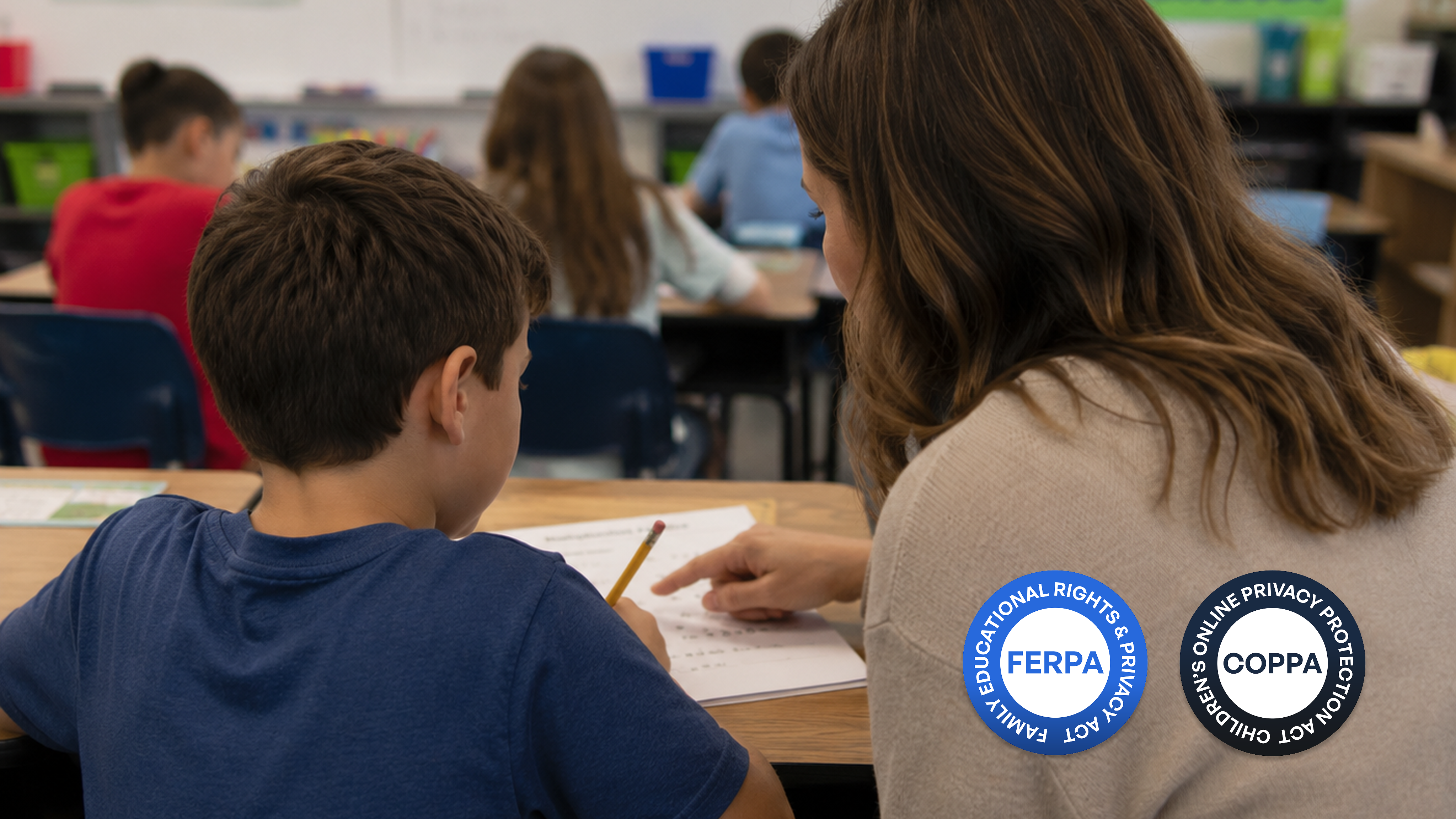
More and more districts are bringing AI into classrooms, and the real question schools are asking isn't whether AI is useful. It's whether a given tool was built for a room full of twelve-year-olds, or just adapted to look that way.
Consumer chatbots designed for adults don't come with the legal, pedagogical, or ethical structures that K-12 requires. What separates a general-purpose AI from a purpose-built platform isn't the marketing language. It has specific, verifiable features. Here's what those actually look like.
Key takeaways
-
FERPA and COPPA compliance, plus a signed Data Protection Agreement, are prerequisites before any AI platform enters a K-12 setting.
-
Safe AI teaches rather than answers, using pedagogical guardrails that guide students through thinking rather than delivering finished work.
-
Teacher oversight and real-time monitoring keep humans in the loop, with the ability to intervene when needed.
-
Bias auditing isn't optional: unaudited AI tools can actively disadvantage BIPOC students and English Language Learners.
-
Accessibility and equity are safety questions. A platform that excludes a segment of students isn't a safe choice for a K-12 environment.
Data privacy and legal compliance
Before a district installs anything, two federal laws set the floor. FERPA (Family Educational Rights and Privacy Act) protects student education records and limits who can access them. COPPA (Children's Online Privacy Protection Act) requires verifiable parental consent before collecting data from children under thirteen. Any AI platform entering a school building needs to be built around both of these, and the district should have a signed Data Protection Agreement in place before a single student logs in.
Beyond those baseline requirements, privacy compliance has to be contractual, not just stated in a policy. Student data must never be used to train a public AI model, and that commitment needs to be in writing. Data minimization matters too: collect only what's strictly necessary, anonymize it before processing, and make sure the vendor isn't permitted to repurpose student data for secondary uses. Schools that already manage attendance, grades, and family contact information through centralized platforms need to confirm that any new AI tool doesn't create gaps in those existing safeguards.
AI that teaches, not just answers
1. Tutoring logic instead of answer delivery
Purpose-built platforms use a pedagogical logic layer: rather than handing students finished answers, the AI poses questions, offers hints, and walks them through the thinking. This is sometimes called "answer prevention," and it's what separates EdTech AI from a homework-completion shortcut.
2. Teacher oversight and real-time monitoring
Educator dashboards show every student prompt and AI response in real time, with the ability to intervene the moment something goes sideways. A real-time monitoring layer keeps a human in the loop at all times. Platforms should also maintain activity logs so teachers and administrators can review interactions after the fact, not just while a session is live.
Hanna Kemble-Mick, a school counselor in Kansas, saw this firsthand. A student who usually came in bright and cheerful sat down and put her head on the table one morning, and wasn't ready to talk. Kemble-Mick suggested she try a SchoolAI Space she'd set up for her students. A few minutes later, the student had typed something she couldn't say out loud: that her parents were getting divorced, and she didn't know who to talk to. SchoolAI's Mission Control gave Kemble-Mick the visibility to see it. "My students know that what they type in the chatbot, I can read, I can see, and I'm monitoring it," she said. "So it was a way for her to tell me without actually having to tell me." That's what a human in the loop actually looks like.
3. Scaffolding controls by task type
Teachers should be able to configure how much assistance the AI provides depending on context: more guided hints during practice, stricter limits during an assessment. These controls should be customizable per assignment, so the AI's behavior matches the instructional goal rather than operating the same way regardless of what students are doing.
Content safety and bias mitigation
Safe platforms use restricted, vetted knowledge bases rather than pulling from the open web. Real-time content filtering evaluates context, not just keywords, which matters because harmful outputs don't always trigger a keyword block. This kind of contextual filtering is meaningfully different from domain blocking, and it's worth asking vendors specifically which approach they use.
Bias auditing is non-negotiable, and the stakes are concrete. AI writing analyzers have been shown to flag multilingual students' work as AI-generated at higher rates than native English speakers, meaning an unaudited tool can actively disadvantage BIPOC students and English Language Learners. Vendors should be able to demonstrate regular testing for racial, ethnic, and linguistic bias. A policy document that says they care about equity is not the same thing. The SAFE framework offers a useful procurement lens: Has this tool undergone documented safety testing? What are the incident reporting protocols? Has it been audited for bias? What evidence supports its learning claims?
Accessibility and equity
Accessibility and equity are often treated as inclusion conversations. They're also safety conversations. A platform that is technically secure but practically unusable for a segment of students isn't a safe choice for a K-12 environment. When evaluating a tool, districts should look for:
-
WCAG 2.1 Level AA compliance: the baseline standard for accessibility, requiring support for screen readers, keyboard-only navigation, and other assistive technologies
-
Device and bandwidth compatibility: a platform that only runs well on new hardware or fast internet excludes students from lower-income households
-
Language support: multilingual features help English Language Learners engage on more equal footing; at minimum, tools should avoid penalizing non-native English patterns
-
ADA compliance: a legal requirement, not a bonus feature. Verify before procurement, not after deployment
Evidence-based evaluation: How to vet an AI platform
A technology director approves a new AI platform after a polished vendor demo. Six weeks later, teachers say students are engaged. But when the instructional coach sits down with a 7th grader and asks how her writing has improved, the student shrugs. She's been using the tool every day. She just hasn't been thinking harder. Engagement and learning are not the same thing. That distinction is exactly what the right evaluation questions are supposed to surface before a district commits.
Vendors should be able to point to evidence aligned with ESSA (Every Student Succeeds Act) expectations, including a clear theory of change: not just what the tool does, but how it's supposed to make students better thinkers. Marketing claims about AI capability are not a substitute for documented learning-science rationale. Procurement teams should ask directly: Does this tool have documented safety testing? What are the incident reporting protocols? Has it been audited for bias? What evidence supports its learning claims? These questions help distinguish purpose-built EdTech from consumer AI products repackaged for schools. Integration also needs to be technically sound: platforms should support secure data sharing, centralized identity management, and access controls that align with a district's existing data governance approach.
How SchoolAI brings these standards together
Schools shouldn't have to piece together a compliance checklist from multiple vendors. SchoolAI is a teacher-guided, web-based platform built specifically for K-12 classrooms, designed to address legal, pedagogical, and equity requirements in one place. Teachers use SchoolAI to create Spaces: customizable AI-powered environments where students receive interactive tutoring tailored to the lesson, not generic outputs. SchoolAI's Mission Control gives educators real-time visibility into every student interaction, keeping a human in the loop while reducing the administrative overhead that often comes with new technology adoption. Ryan Horne, Instructional Technology Coordinator at Chippewa Valley Schools in Michigan, described what SchoolAI's guardrails and privacy framework meant for his district: "We especially like the guardrails and the privacy aspects of the platform. We trust it, and our teachers do too."
Frequently Asked Questions
• Risks fall into three categories: cognitive (over-reliance reducing critical thinking), emotional (AI companions that blur boundaries with students), and social (reduced peer-to-peer collaboration) • Data privacy breaches and exposure to biased or inappropriate content are also significant concerns • Purpose-built EdTech platforms are designed to mitigate these risks; general consumer AI tools are not
• Safety requires layered protections: legal compliance (FERPA/COPPA), content filtering, pedagogical guardrails that promote learning rather than shortcuts, and teacher oversight • The platform must also be accessible, audited for bias, and contractually prohibited from using student data for model training
• Look for a signed DPA, FERPA, and COPPA compliance, documented safety testing, evidence of bias auditing, and teacher monitoring tools • Vendor transparency, including how the AI makes decisions and what happens when something goes wrong, is as important as the feature list
• A DPA is a formal contract between a school district and a vendor that specifies how student data will be collected, stored, used, and protected • Without one, schools have no legal recourse if a vendor misuses student information; it is a prerequisite, not an optional formality
• FERPA requires that student education records remain private and that access is limited to authorized individuals; for AI platforms, this means the tool cannot share, sell, or expose student data outside of the agreed educational context • Platforms must also allow schools, not vendors, to remain the custodians of student records

About the author
Cheska Robinson
Education Specialist at SchoolAI, Former Instructional Technology Specialist
Cheska started her career as a science teacher, where hands-on learning and student curiosity shaped how she thinks about great classrooms. At SchoolAI, she partners with educators exploring practical, people-first ways to bring AI into their teaching, building professional learning that feels approachable, rooted in real classroom needs, and focused on keeping learning personal.
Transform your teaching with AI-powered tools for personalized learning
See how every student is doing, and know what to do next.