SchoolAI spring updates and ESSA III validations
Between March and June, we shipped new features across student learning, teacher tools, and district management. Independent research validated what schools are already seeing. Here's what's live.
Brittany Petitpas • Jun 25, 2026
Personalized Learning
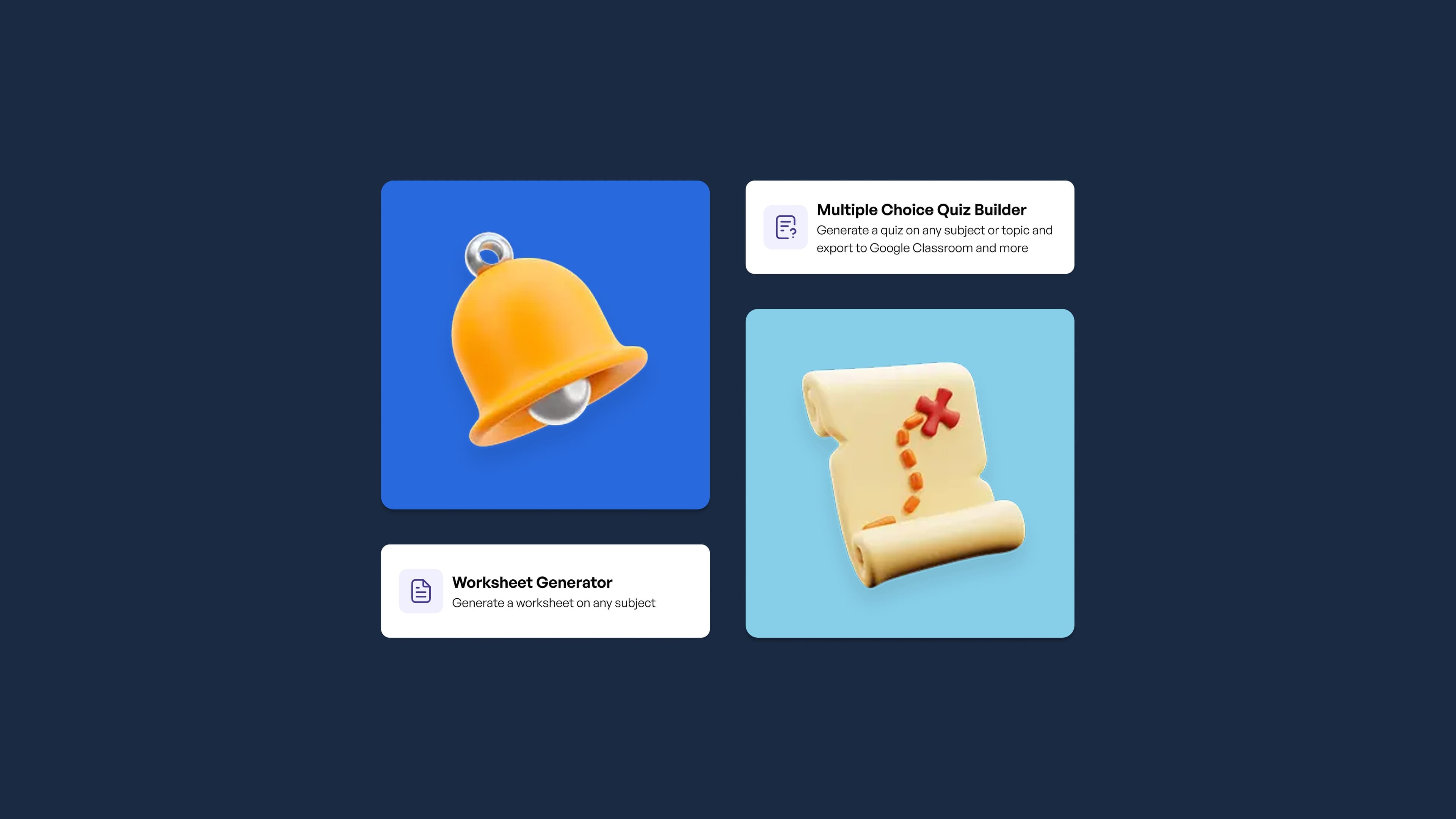
School doesn't stop when the bell does
Students have questions at 6pm. They want to review before a test at 7am. And teachers, if we're honest, are also thinking about their classes at both of those times too.
This spring, we built for that reality. Here's everything that shipped between March and June.
But first: the research
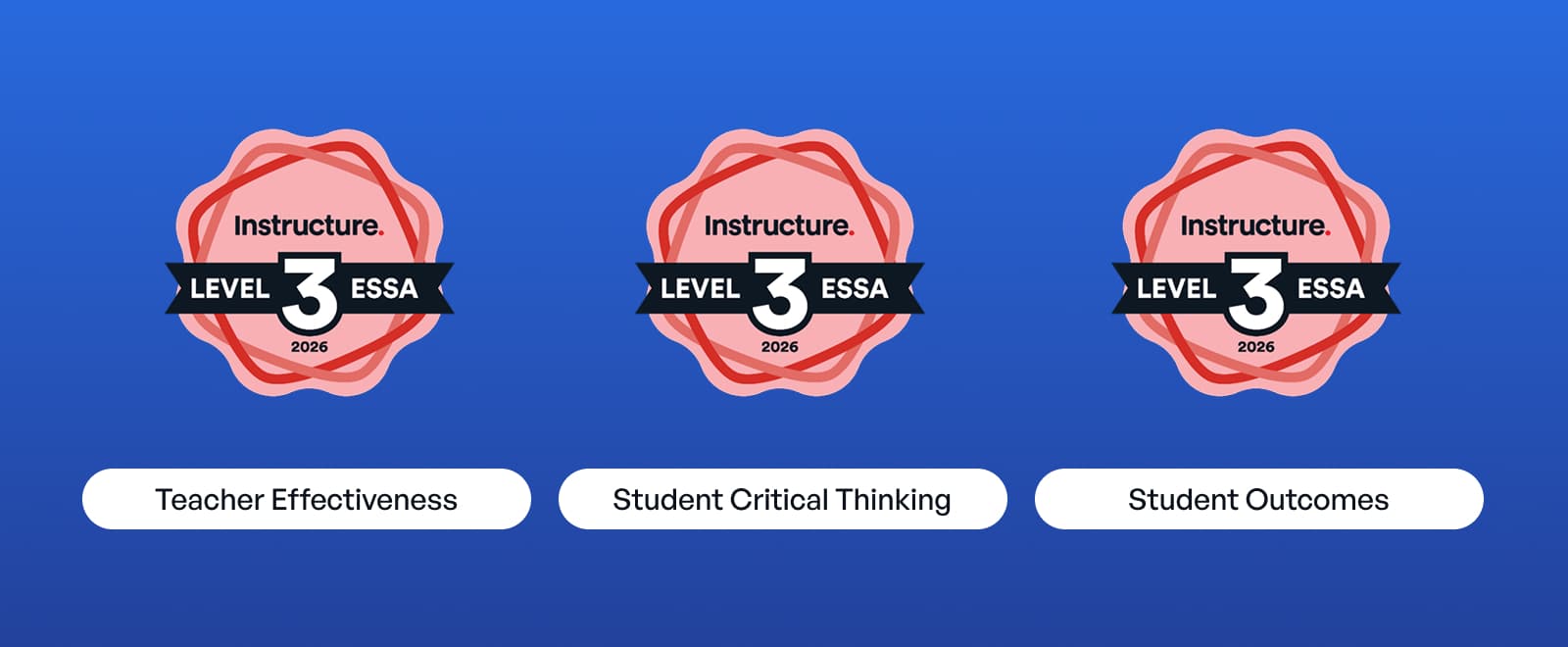
Three independent studies came back this spring, all ESSA Level III validated by Instructure (The EdTech Collective).
The findings:
-
28% rise in critical thinking. A two-year study of 82 teachers and nearly 14,000 student-AI conversations found observed critical thinking rose 28% as implementation grew. The gains were strongest among teachers who built six or more Spaces.
-
Better student outcomes across the board. 1,070 students across 36 schools. Monthly or more SchoolAI users scored significantly higher across all five outcome areas: student experience, whole learner, cognitive skills, academics, and future-ready skills. Students who use SchoolAI monthly or more also reported a stronger sense of belonging than students who rarely or never use it.
-
7+ hours saved per week. Teachers with one or more years on SchoolAI save more than seven hours weekly across lesson planning, differentiation, grading, parent communication, and admin tasks.
Researchers found this in SchoolAI classrooms.
Student portal: learning that follows the student
*Included only in our Scale tier
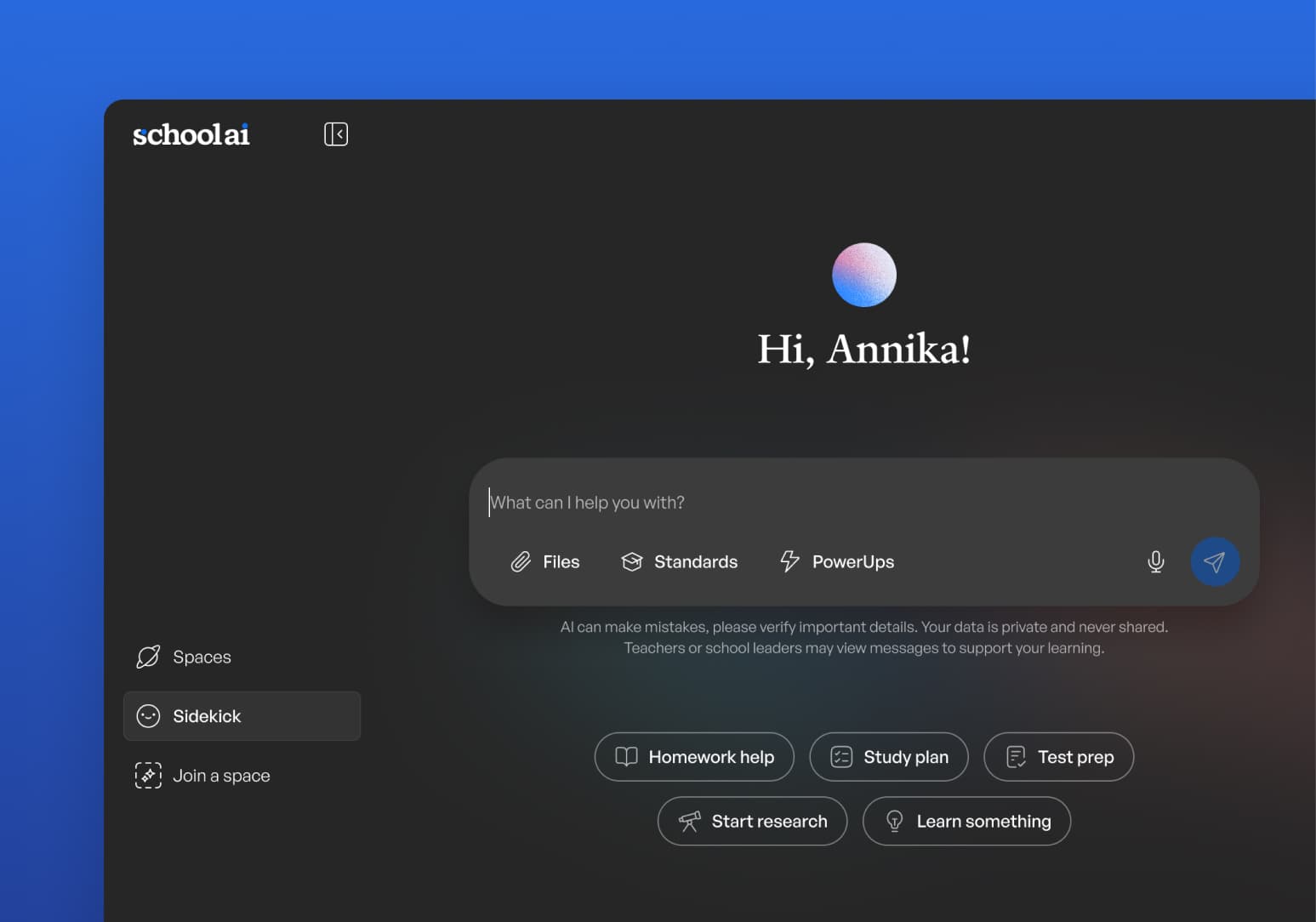
Every student now has a personal entry point into SchoolAI, accessible with their existing roster credentials.
-
Student Sidekick gives every student an AI sidekick available outside school hours. Districts procure and set it up, limiting hours of availability and setting oversight rules for alerts and insights. Students access it when they need it.
-
Spaces Library lets students return to any Space their teacher has left open. Review a lesson. Prep for a test. Go deeper on something that grabbed their attention.
-
Student Uploads lets students bring their own files into a learning experience, making Spaces more personal and more interactive.
Canvas integration: SchoolAI where the learning already lives
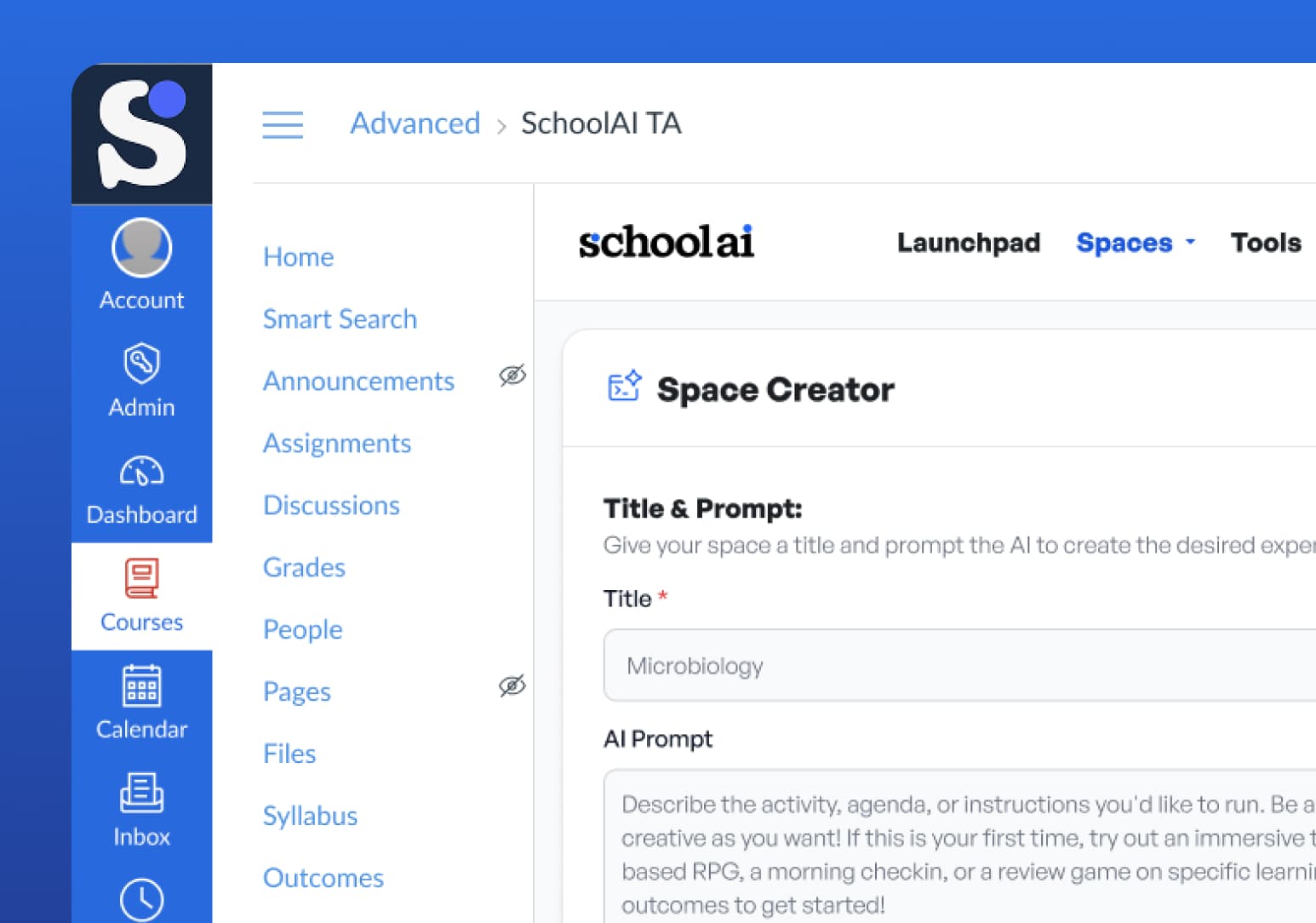
SchoolAI now connects directly with Canvas through an LTI integration, which means teachers and students can access Spaces right from within their Canvas assignments and modules. No separate login. No tab switching. Just SchoolAI, embedded where the learning is already happening. The integration handles authentication securely and works for most standard classroom use cases. If your district runs on Canvas, this is the fastest path to getting SchoolAI into daily instruction.
Class intelligence: from data to action in one view
Mission Control got a significant upgrade this spring.
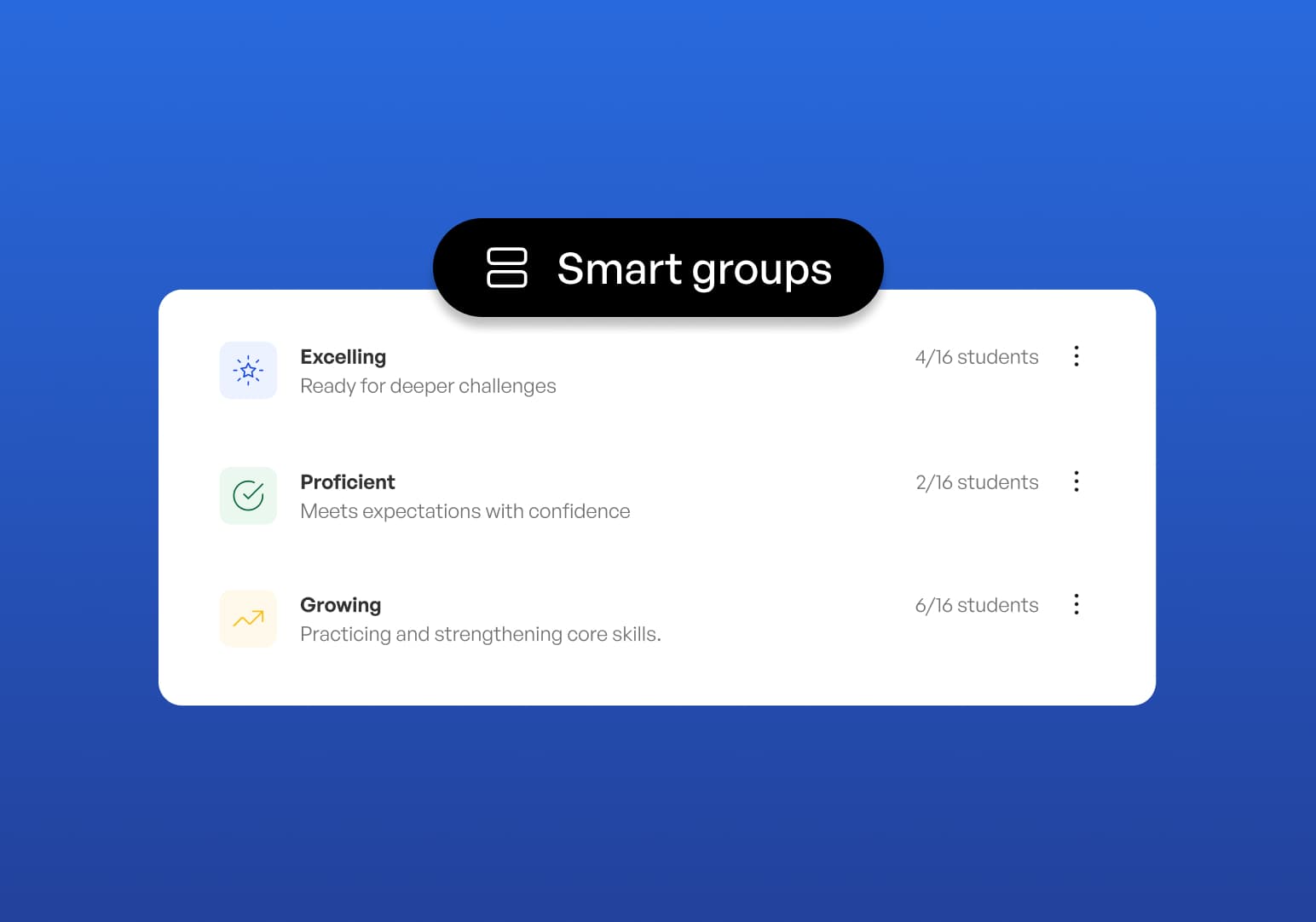
Smart Groups automatically sorts students into four mastery levels (Beginning/Needs Support, Developing, Proficient, and Excelling) based on how they perform against the outcomes the teacher set. Teachers can launch a targeted follow-up Space for each group right from the dashboard. Set the outcome. Students learn. See the data. Group. Act. The whole loop closes inside SchoolAI.
We also added:
-
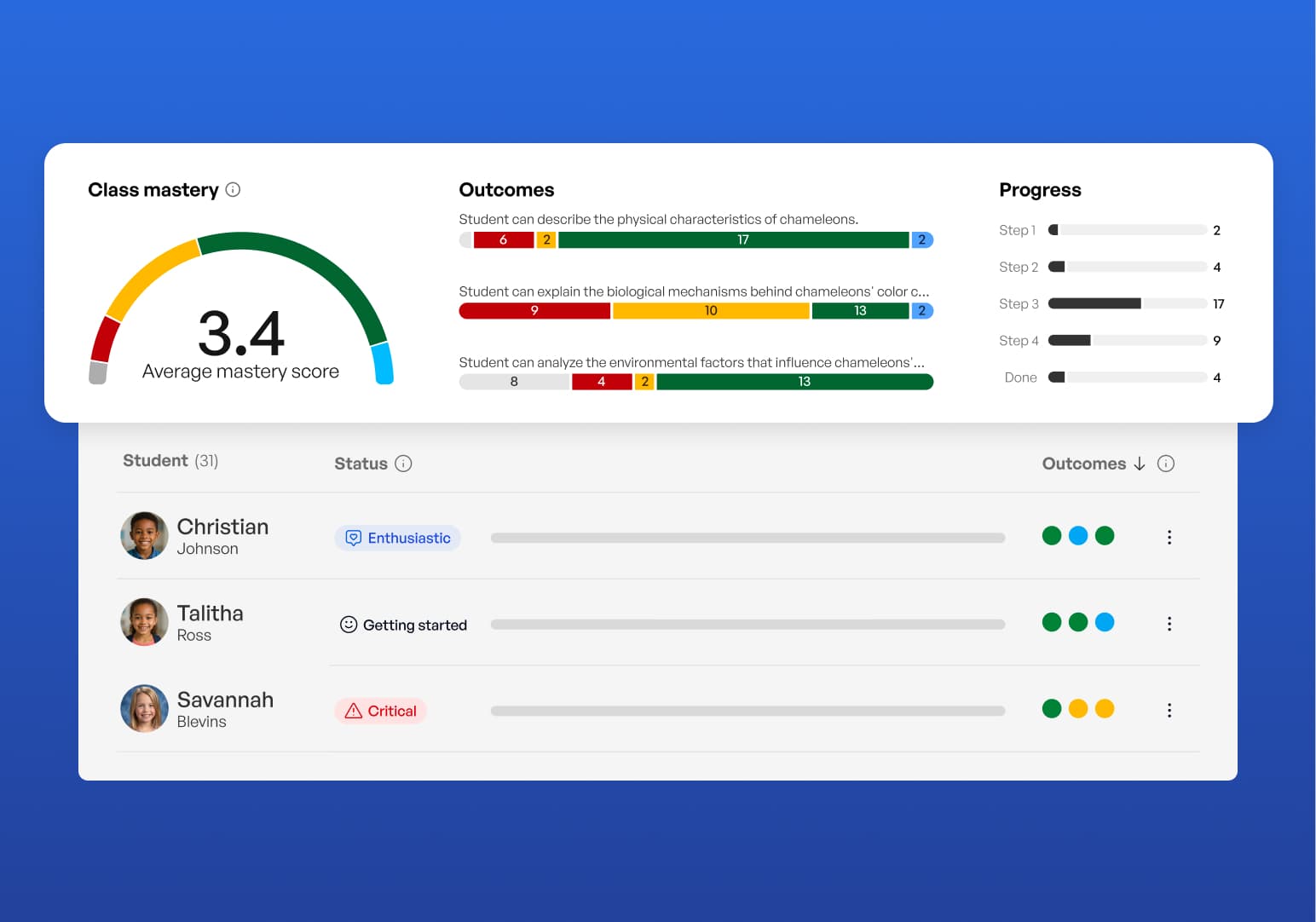
Session-specific outcomes so teachers can track learning more precisely. A student can be on step four and still missing the core concept. Now teachers can see both at once.
-
Individual grade levels in Create and Spaces, so a single Space can serve students at different levels without requiring the teacher to build multiple versions.
-
Richer AI-generated insights that surface each student's engagement patterns and emotional signals.
Educator tools: your AI co-teacher, everywhere you work
The SchoolAI Browser Extension now does three things teachers tell us changed how they work:
-
Provides instant feedback proposals inside Google Docs. Teachers review everything before it reaches a student.
-
It generates 20+ types of classroom materials from any webpage.
-
It turns any article or web resource into a student-ready Space in one click.
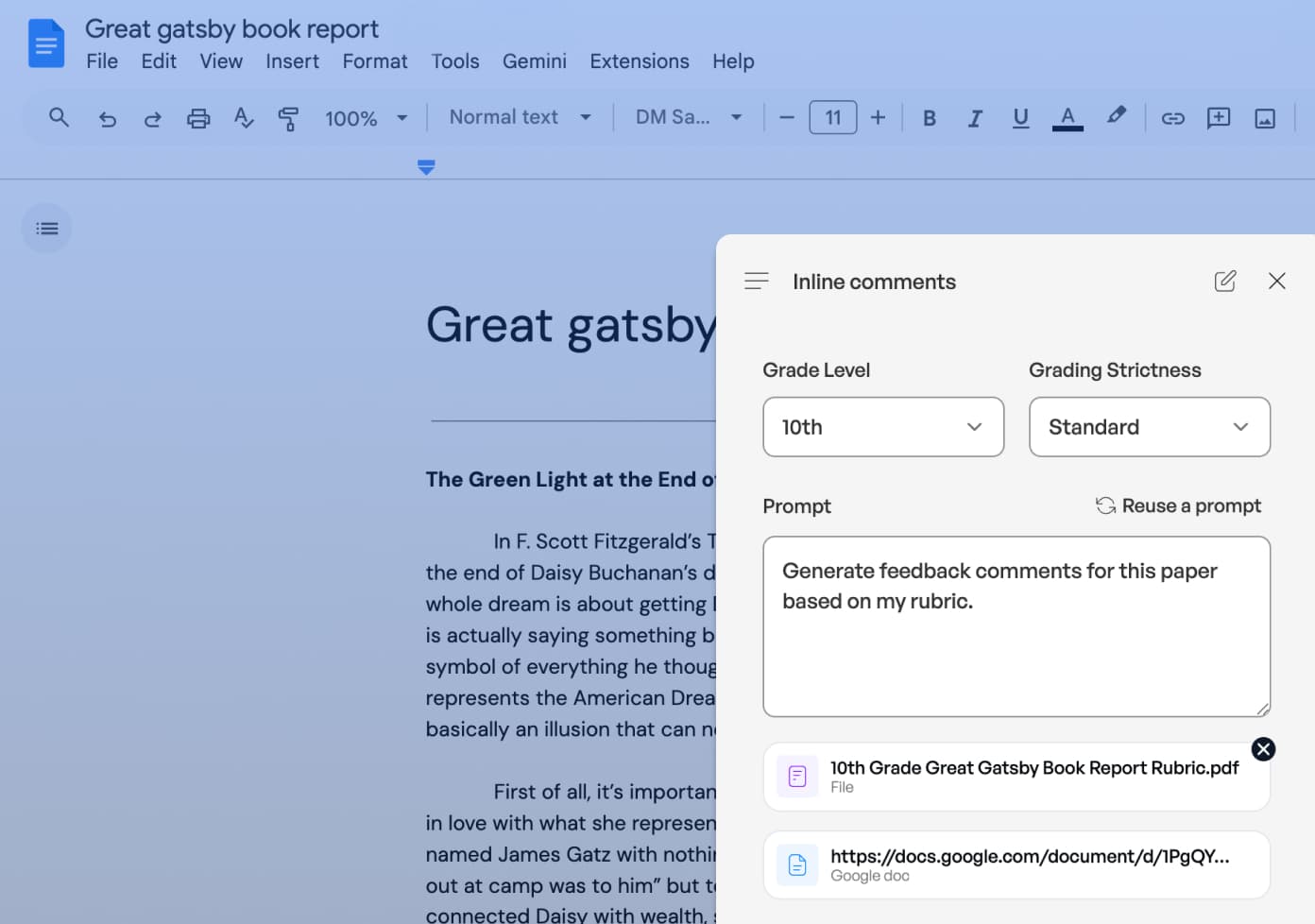
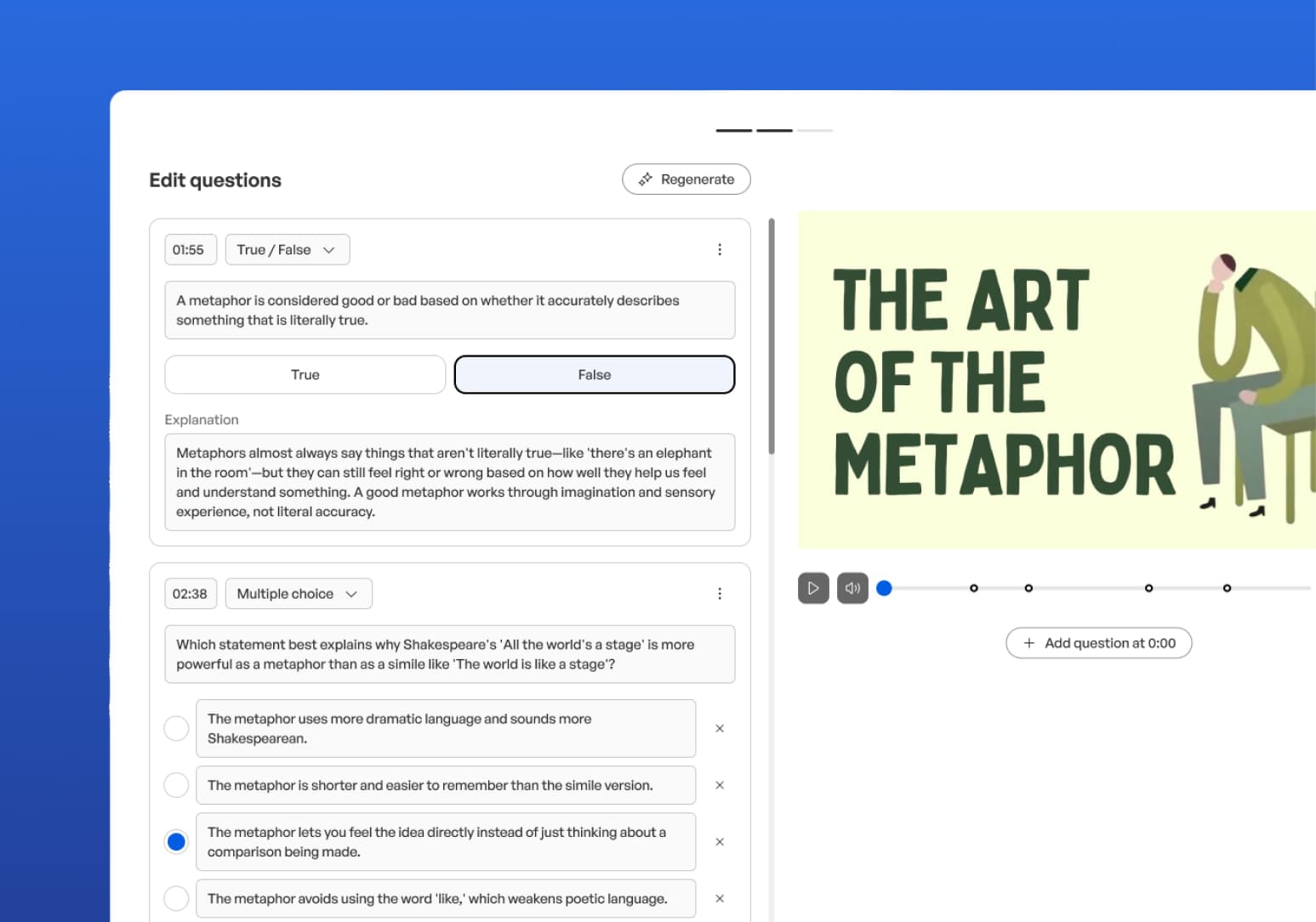
Video Explorer, our newest PowerUp, turns passive video watching into active learning. Drop a YouTube link into a Space. Students answer questions, apply concepts, and engage throughout. Teachers see how students responded in Mission Control.
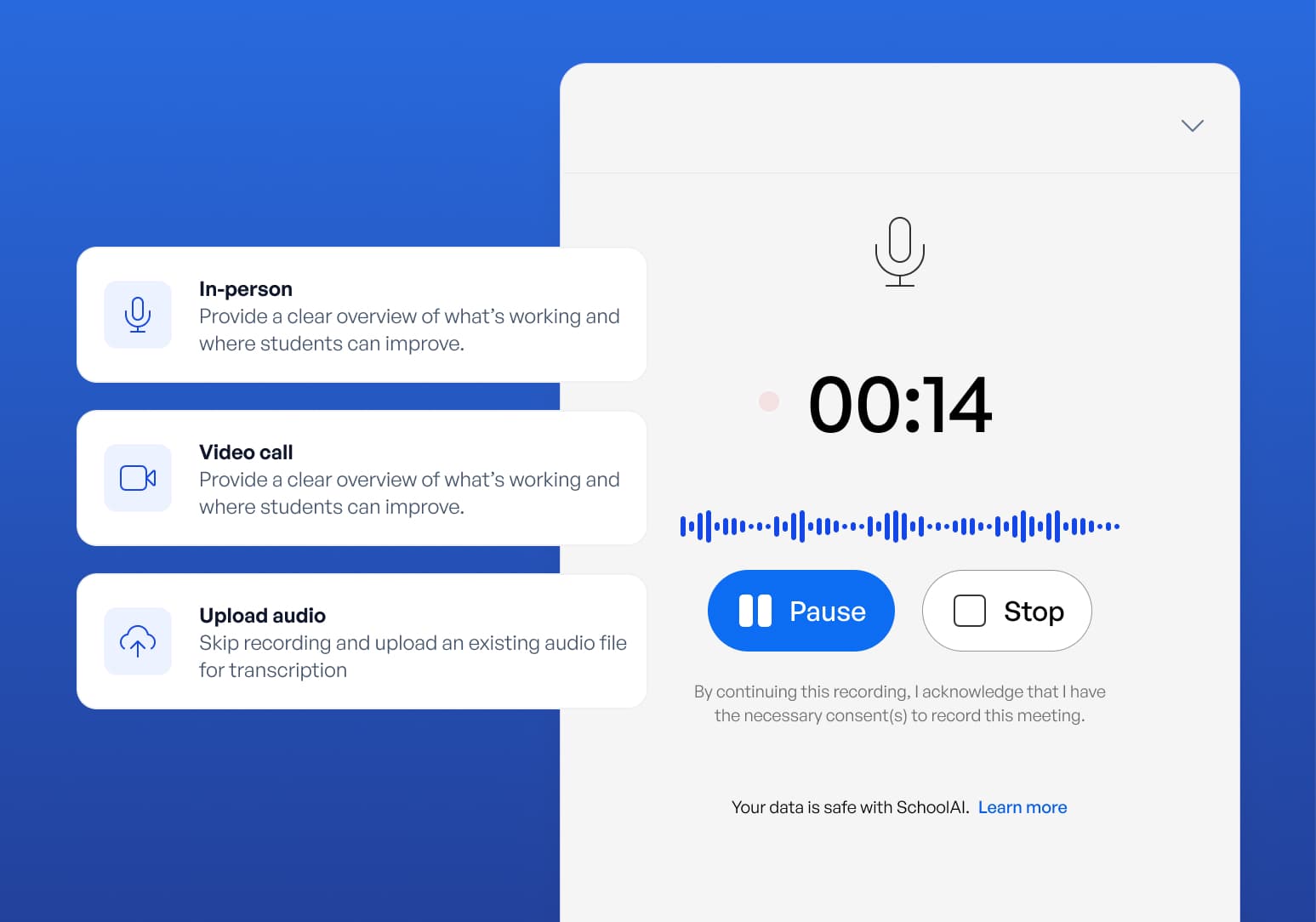
Notetaker (included only in the Scale tier) is a purpose-built, education-specific notetaker that captures and summarizes any meeting with one click. PLCs, parent conferences, IEP meetings: teachers can stay fully present instead of taking notes. Those notes can become Spaces, lesson plans, or brainstorms with Dot, all under your district's existing DPA.
We also shipped session-specific outcomes, export to Google Forms from Docs, and a new onboarding experience. New teachers get to value faster. Experienced teachers get more precision.
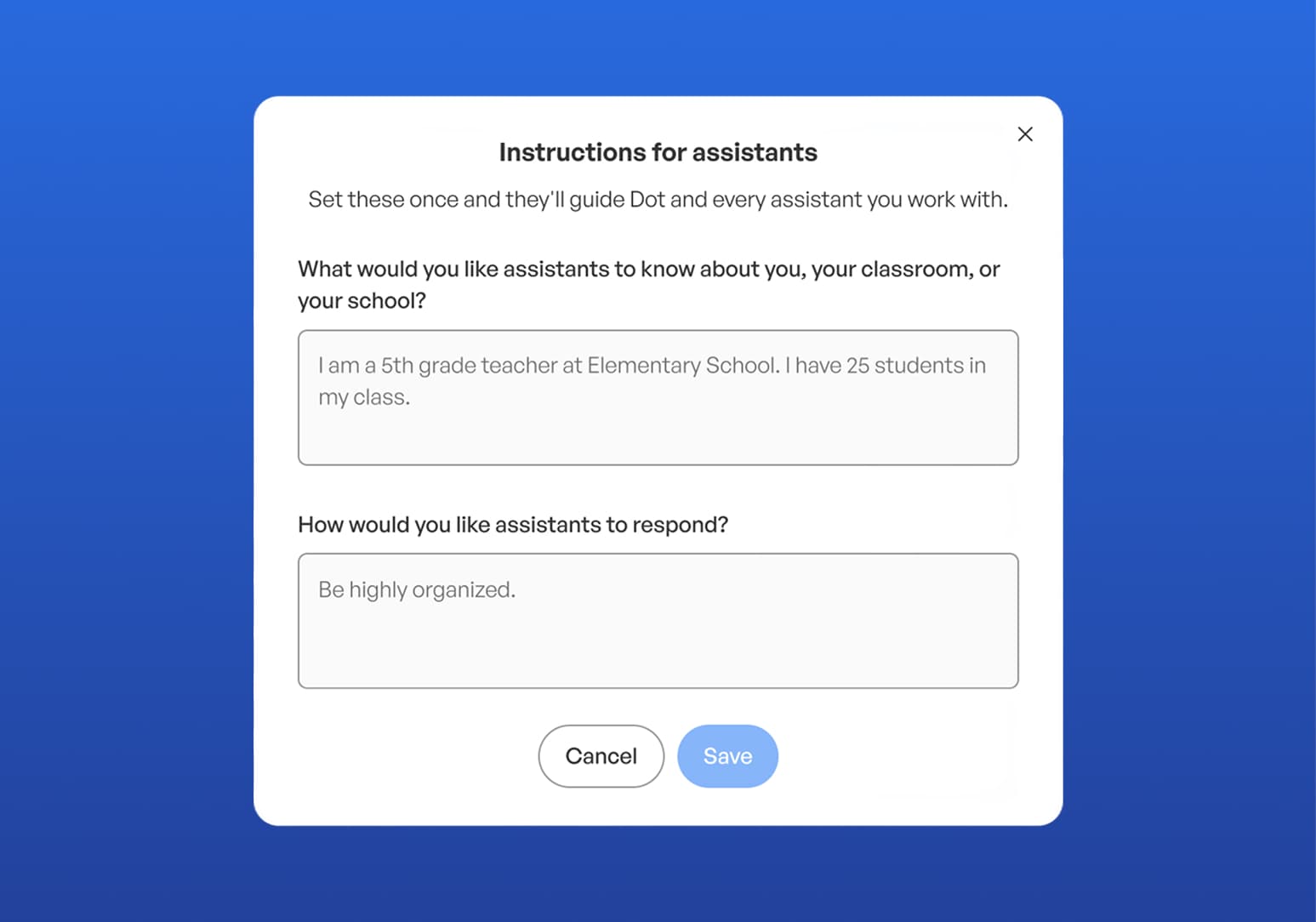
With Custom Instructions for Dot, you set your context once: the subject you teach, the grade level, how you like to give feedback, and the tools you use most. From that point on, Dot uses that context in every session, giving you responses that fit your classroom without the setup. Dot is designed to respond in ways that reflect how you teach. Dot already understands education. Custom Instructions add what only you know.
District management: control, context, and safety across every school
Districts deploying AI have three questions they need to be able to answer:
-
What is happening in our schools?
-
Are we in compliance?
-
If something goes wrong, who handles it?
This release is built around these three questions. District administrators can now set guardrails once and have them apply consistently across every school in the system, defining what students can and cannot do in Spaces and configuring AI behavior to reflect district policy. Teachers retain the ability to customize within those boundaries. The district sets the floor and the ceiling.
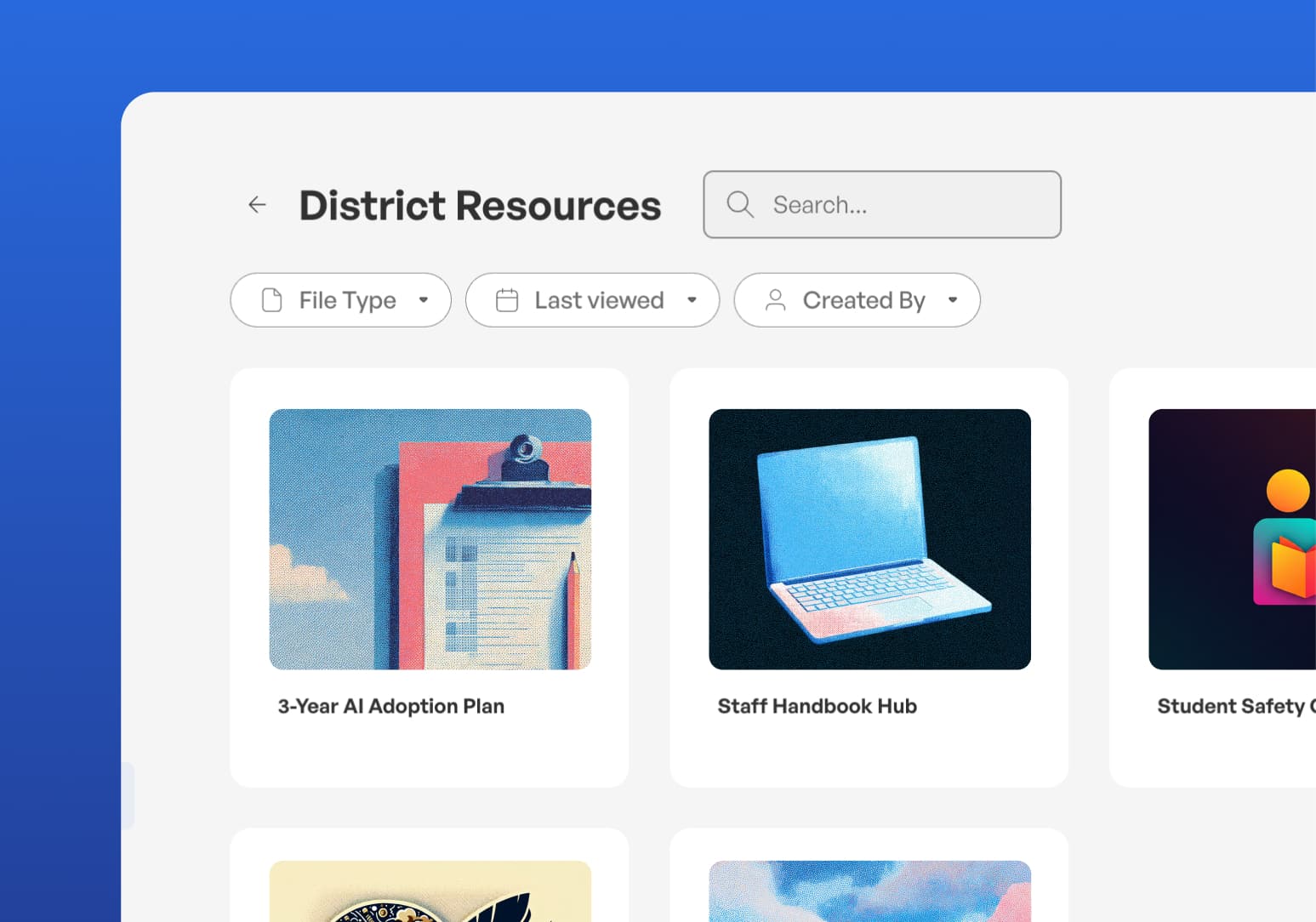
Two other updates make SchoolAI a stronger partner for district leadership. Districts can now upload context about their values, curriculum, and community norms, and Dot will use that information to give more relevant responses to teachers and students across the system. A district with a dual-language program gets AI that reflects it. A district with a project-based learning tradition gets AI that knows that. And when a student shares something concerning in a Space, Critical Alert Routing ensures the right person is notified immediately: a counselor, a crisis lead, or a safety officer with a direct link to the conversation and full context to act. It reaches the right adult — counselor, crisis lead, or safety officer — with the conversation link and full context, before the window closes.
Everything here is live
If you want to see these features in action, or talk through how your district can make the most of what we built this spring, book time with your customer success partner or reach out to get a demo.
We make school awesome, one student story at a time.
Transform your teaching with AI-powered tools for personalized learning
See how every student is doing, and know what to do next.