AI guidelines for schools: 9 guardrails teachers need before the year starts
Practical AI guidelines for schools: 9 guardrails to protect student data, integrity, and learning this year.
Nikki Muncey • Jul 9, 2025 • Updated Jul 20, 2026
AI Literacy Safety & Policy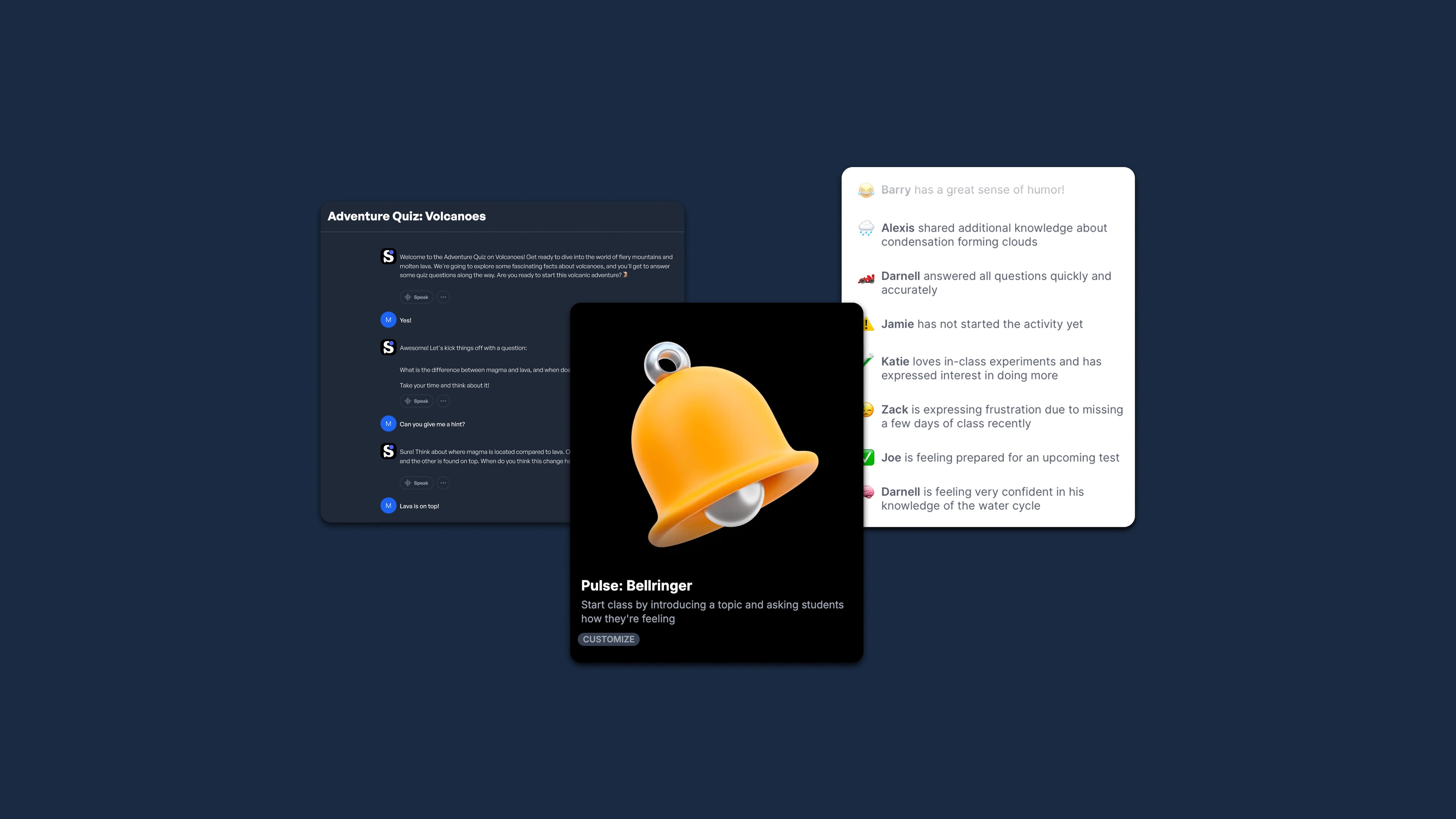
Key takeaways
-
Teachers must align with district AI policies by verifying FERPA and COPPA compliance. They should document acceptable use parameters and avoid high-stakes applications.
-
Student data privacy requires applying data minimization principles. Teachers must avoid uploads of personal information and develop clear breach response protocols.
-
Ethical boundaries protect academic integrity by establishing classroom norms. Students must cite AI assistance, verify information, and document their creative processes.
-
Safe AI tool selection prioritizes student privacy and curriculum alignment. Teachers need decision matrices and administrative documentation for vendor support.
-
Implementation starts small with single low-stakes workflows. Teachers must establish clear learning objectives and built-in checkpoints for continuous monitoring.
As the new school year approaches, having AI guardrails in place is essential for classroom implementation. Especially with the White House executive order on "Advancing Artificial Intelligence Education for American Youth" and at least 25 states developing official guidance for K-12 schools, you need to have a support structure to move forward confidently.
To help with that, we'll be sharing a comprehensive framework for safe AI use that adapts to rapidly evolving technology while keeping students safe and supporting their learning journey. Rather than avoiding AI altogether or diving in without preparation, these guardrails help educators harness AI's potential responsibly.
How AI guidelines for schools are evolving
Despite differences in language, most state and federal AI guidance converges on the same handful of ideas: connect AI use to real learning goals, comply with existing privacy law, build AI literacy, weigh AI's benefits against its risks, protect academic integrity, and keep a human in charge of every high-stakes decision. Some states spell this out through a tiered "traffic light" model; others frame it around vision and guiding principles for human-centered AI. Either way, AI should support your professional judgment, not replace it, and that's what the guardrails below reflect.
Guardrail #1: Align with district and classroom AI policies
Before implementing AI tools, verify your district's policies and review any recent AI in education guidance that might impact your classroom practices. Your compliance checklist should verify things like FERPA and COPPA requirements, ownership rights for AI-generated content, and documented acceptable use parameters. It is best to check the laws and LEA policies before beginning exploration.
Using a traffic light framework to sort AI use
A simple way to sort acceptable use is to borrow the tiered model a growing number of districts have adopted. Green covers low-stakes uses, like brainstorming, where students can use AI with minimal restriction. Yellow covers moderate uses, like research or outlining, where AI can assist but the core thinking stays the student's own. Red covers high-stakes situations, such as exams, grading, and discipline, where AI plays no role. Rather than banning AI outright, this lets you say yes more often while still protecting the moments that matter most; put your version of it in writing and send it home so families know where the lines are.
Guardrail #2: Prioritize student data privacy
Student data privacy is your most critical responsibility when implementing AI tools.
-
Apply data minimization principles by collecting only essential information and restricting third-party data sharing. Red-flag activities include uploading student photos, sharing personal details, or using tools without privacy safeguards.
-
Ensure that any AI tools you adopt adhere to strict privacy and security standards.
-
Develop clear breach response protocols and transparent parent communication about AI tool usage.
-
Before deploying any AI tool, verify compliance with educational privacy standards and teach students how to protect their personal information. Beyond your own habits, look at what your vendor agreements say. A growing number of districts now require contract language prohibiting AI companies from using student submissions to train their public models. Ask your technology coordinator whether that protection is in place, since this kind of AI guidance on vendor privacy protects students well after the school year ends.
Guardrail #3: Set ethical boundaries and protect academic integrity
Creating clear ethical boundaries for AI use protects academic integrity and student learning. The primary risks include plagiarism through uncredited AI assistance and algorithmic bias affecting learning outcomes.
Our students will need to engage with generative AI ethically, and we must guide them in doing so. With that in mind, establish classroom norms requiring students to cite AI assistance and verify AI-generated information from day one. Teach students to recognize potential bias by seeking diverse sources and thinking critically.
Design assessment strategies that account for AI assistance while maintaining rigor, such as requiring students to document their creative process and explain how AI tools contributed to their work. Some districts formalize this with a simple benchmark sometimes called the 30% rule: no more than roughly a third of a finished assignment should rely on AI-generated content, keeping the bulk of the thinking with the student. AI-assisted feedback is also a starting point; grading should always end with your review. Pairing that expectation with lessons on evaluating AI content critically helps students build the same skills they'll need to spot bias in AI tools.
Guardrail #4: Choose teacher-centric, safe AI tools
When selecting AI tools, prioritize both student safety and educational value. Ask these essential questions:
-
Does it protect student privacy?
-
Does it align with curriculum goals?
-
Is it user-friendly?
-
Does the vendor provide reliable support?
-
Does it keep you in control of the learning experience?
Create a simple decision matrix covering these key areas and test every tool yourself before introducing it to students. In addition, verify integration with your existing classroom technology and document your selection rationale for administrative review. As part of that documentation, confirm whether the vendor publishes a data processing agreement and specifies how long student data is retained. Tools built with student privacy protections in mind from the start make this step far easier, since the answers are usually already documented for you.
AI guidelines, built in.
SchoolAI keeps your classroom guardrailed, private, and in your control.
Guardrail #5: Start small with a single AI workflow
Begin with a single, low-stakes workflow addressing a specific challenge you face daily, such as the need to craft effective assignments. Design a focused 30-minute introduction to test one AI workflow with a small group of students, choosing an activity with clear learning objectives and measurable outcomes.
Document your results, including successes, challenges, and student feedback. Focus on tasks that enhance rather than replace your teaching practices, aiming to streamline routine work and create more time for meaningful student interactions. Share your experience with colleagues to inform broader AI adoption decisions and build institutional knowledge.
Guardrail #6: Design AI-enhanced lessons responsibly
Creating practical AI-enhanced lessons requires a structured five-step process that keeps you in control while maximizing student benefits.
Step 1: Define clear learning objectives
Start with your curriculum standards and learning goals. AI should support these objectives, never replace your educational judgment. Your understanding of what students need to learn remains the foundation. AI simply helps you deliver it more effectively.
Step 2: Craft effective prompts
Develop specific, clear requests that yield useful educational content. Create a simple do/don't prompt reference: Do specify grade level, subject, and learning objectives. Don't use vague language or assume AI understands your classroom context.
Step 3: Review all AI outputs
Check every piece of AI-generated content before sharing with students. Verify accuracy, age-appropriateness, and alignment with your learning objectives. This step protects both you and your students because AI can produce errors or biased content that requires your professional oversight.
Step 4: Design differentiation strategies
Use AI to generate multiple versions of assignments or to provide additional scaffolding for students who need extra support. For example, you can personalize homework with AI, generating materials at different reading levels. However, your knowledge of individual student needs guides these decisions. Keep equitable access in mind as you differentiate: AI-generated scaffolds and translations can be powerful for multilingual learners and students with IEPs, but only if every student has reliable access to the device and connectivity needed to use them.
Step 5: Deploy with built-in checkpoints
Implement AI-enhanced lessons with regular points for your review and student feedback. The most successful approaches complement your teaching expertise rather than replace it, allowing you to focus on meaningful connections and critical thinking that only you can facilitate.
Guardrail #7: Teach your students AI literacy and digital citizenship
Building AI literacy is about weaving critical thinking skills into the digital citizenship work you're already doing.
-
Start by aligning your approach with ISTE standards for digital citizenship. Consider utilizing an AI literacy framework to create systematic skill development that grows with your students from elementary through high school.
-
For grades 3-5, design simple activities that help students understand how computers "think" differently from humans. Try mini-lessons where students compare AI-generated stories with human-written ones, identifying differences in creativity and logic.
-
Middle school students can explore more complex topics, such as why AI sometimes makes mistakes and how to spot AI-generated images or text online.
-
High school students need deeper engagement with algorithmic bias and ethical considerations. Create assignments where they test the same prompt across different AI tools, comparing outputs for accuracy, bias, and reliability. This builds the critical evaluation skills they'll need as adults.
-
Partner with your school librarian and technology specialist to create comprehensive family resources that extend these conversations home. Send home simple guides explaining how AI works and what families can discuss when children encounter AI tools. This mirrors what state frameworks now call for: age-appropriate progression paired with family transparency. Treating digital citizenship and AI literacy as one ongoing conversation, rather than separate units, helps habits carry from one classroom to the next.
Guardrail #8: Build a cross-functional AI leadership team
You don't have to navigate AI implementation alone. Successful AI integration becomes much easier when you incorporate perspectives from classroom teachers, technology coordinators, administrators, curriculum specialists, and student representatives.
Cross-functional evaluation teams create the foundation for sustainable AI integration. To make it easier, define each of your roles upfront, such as who evaluates tools, who makes final decisions, and who communicates with families. Have regular meetings and keep sharing documentation so as to maintain momentum while building institutional knowledge that survives staff changes.
In particular, don't overlook the role of family and community representatives. Their insights help ensure your AI initiatives serve the broader school community's values and concerns. The strongest implementations happen when diverse stakeholders unite around student success rather than technology for its own sake. This kind of shared decision-making, rather than a top-down mandate, is what most current AI guidance for schools recommends.
Guardrail #9: Monitor, evaluate, and iterate
Your AI integration journey requires continuous monitoring and refinement.
-
Establish clear success metrics before piloting, and track indicators such as engagement rates and assignment completion times. Compare outcomes against non-AI control groups to measure actual impact.
-
Implement quarterly reviews focusing on usage data, stakeholder feedback, and necessary adjustments. Monitor adoption rates, performance trends, and technical issues.
-
Document successes and challenges to inform future implementations, and create feedback loops with students, families, and colleagues to reveal blind spots.
-
Address problems systematically by identifying root causes and testing solutions with small groups before wider implementation.
Your quick-start guide to choosing the right AI guardrails
The approach we've outlined here transforms AI from an intimidating challenge into a manageable opportunity. Start small, prioritize student safety, and build on your teaching expertise to create technology-enhanced learning experiences while maintaining essential human connections. Put together, these nine guardrails answer almost any question your state's AI guidelines for schools might raise: align with policy, protect privacy, protect integrity, choose tools carefully, start small, design responsibly, build literacy, share ownership, and keep iterating.
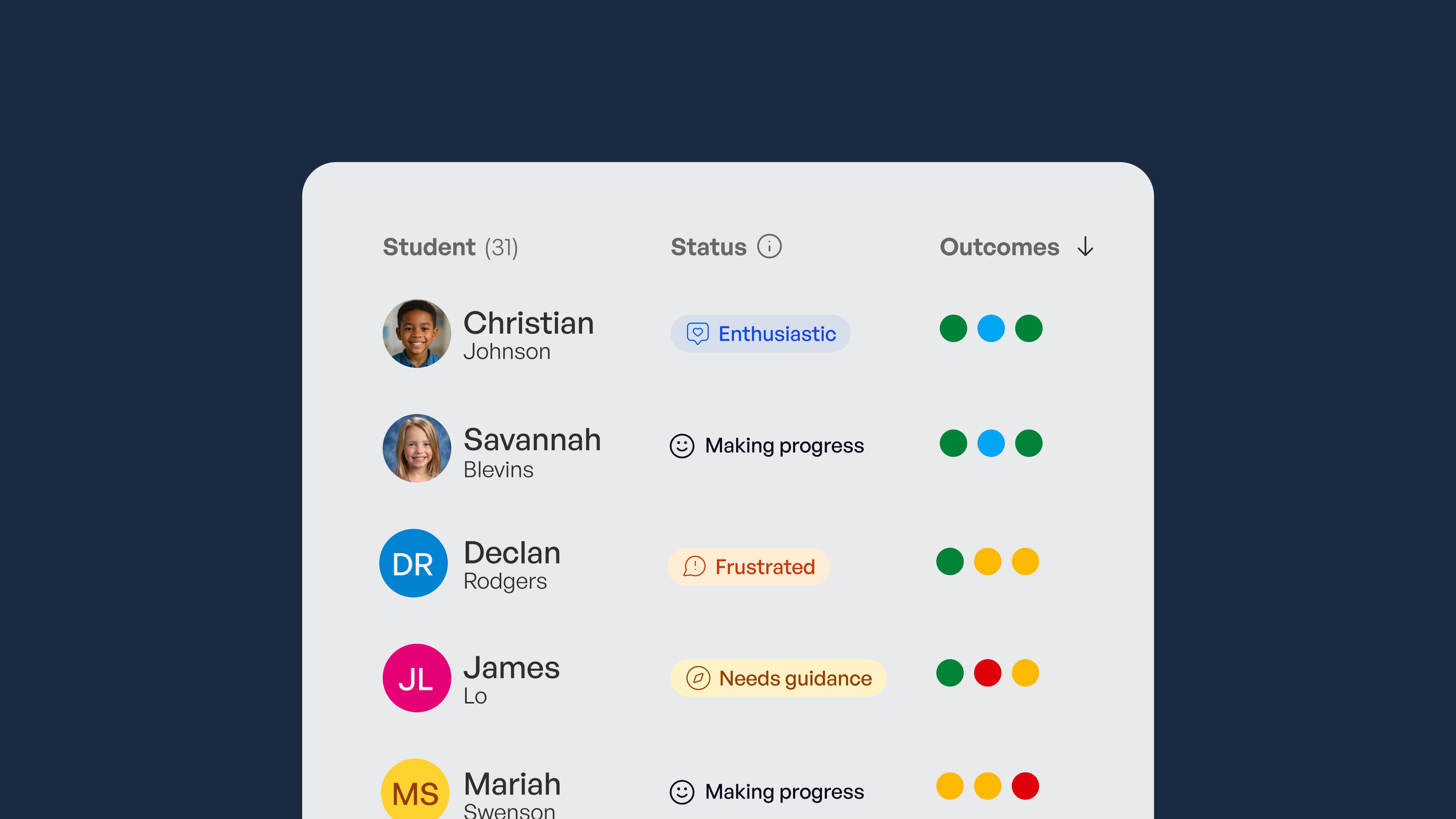
SchoolAI helps you implement these guardrails effortlessly with built-in privacy protections, district policy alignment, and educator-focused features. Try SchoolAI today to experience AI that puts student safety and teacher expertise first while simplifying your compliance with essential guardrails. In practice, that means SchoolAI provides safe, classroom-ready AI where students learn within teacher-designed, guardrailed experiences, and educators get real-time mastery data showing whether students are actually achieving the outcomes that matter. Create a free account to see how SchoolAI can support your classroom's guardrails from day one.
Transform your teaching with AI-powered tools for personalized learning
See how every student is doing, and know what to do next.