Digital Citizenship Week: Help students check AI answers before they trust them
Digital Citizenship Week 2026: a ready-to-use activity that teaches students to check AI-generated answers against outside evidence before they trust them.
Shannon McClintock Miller • Oct 8, 2026
AI Literacy Safety & Policy
One of the questions I have asked students again and again is simple: How do you know?
It is a question that has always mattered when students are researching, reading online, or deciding whether something they see is true. But now, when an answer can arrive in seconds as a polished paragraph that sounds confident and complete, I think we need to ask it even more often.
Common Sense Education's theme for Digital Citizenship Week, October 19–23, 2026, is “Build kids' critical thinking for a world with AI.” For instructional leaders, educators, and school librarians, that theme gives us a practical place to start: give teachers one activity they can use to help students slow down, check a claim, and explain how they know whether to trust it.
This is where Digital Citizenship Week can become more than a collection of resources or a reminder to talk about online safety. October 19–23 is an opportunity to give teachers one simple instructional routine they can use to help students practice thinking critically about AI-generated information.
During October 19–23, I’m sharing one simple activity teachers can use with their students in a Space within SchoolAI. Let me show you how!
Share a claim-checking activity with your teachers
One simple way to bring critical thinking about AI into Digital Citizenship Week is to have students practice checking an AI-generated answer before they trust it. Students read a short AI-generated passage, choose one claim from the response, check that claim against information from outside sources, and then explain whether the evidence supports the claim, contradicts it, or leaves the question unresolved.
I created the AI Claim Check Space in SchoolAI, a K–12 learning platform that districts can manage and use with their students. The Space guides students through the process while giving teachers a way to see their thinking. Teachers can use the Space as written or use the framework below to build their own activity with the tools and sources already approved in their district.
The activity adapts SIFT, a source-checking method developed by Mike Caulfield: Stop, Investigate the source, Find better coverage, and Trace claims to their original context. These moves provide a helpful foundation for slowing down and checking an AI answer.
-
Identify the claim. Choose one specific, checkable statement. What evidence would prove or disprove it?
-
Investigate the source. Who produced the information? If the AI answer cites a source, does that source actually exist, and does it say what the answer claims it says?
-
Compare evidence and context. Look at credible coverage and, when possible, the original material. Ten websites repeating the same unsourced claim count as one source, not ten.
-
Explain the judgment. Decide whether the claim is supported, contradicted, or unresolved. Then explain which evidence led you there.
-
Reflect on the evidence. Ask students to consider not just what they decided, but what influenced that decision. Which evidence changed your judgment, and what would you check next?
-
Prepare students for the activity. Pick an age-appropriate claim and a short set of sources you've already reviewed, using your district's approved materials and tools. If the practice claim was written by the teacher rather than generated by AI, tell students that, too.
The goal isn't to teach students to automatically distrust AI. It is to help them develop the habit of pausing, checking, and explaining how they know before they accept an answer.
See where students need guidance while they work
This is where the activity becomes particularly useful for teachers.
Say a student marks a claim as “supported” because the AI answer sounds convincing. When asked for evidence, the student points back to the AI response itself.
That is a moment for instruction.
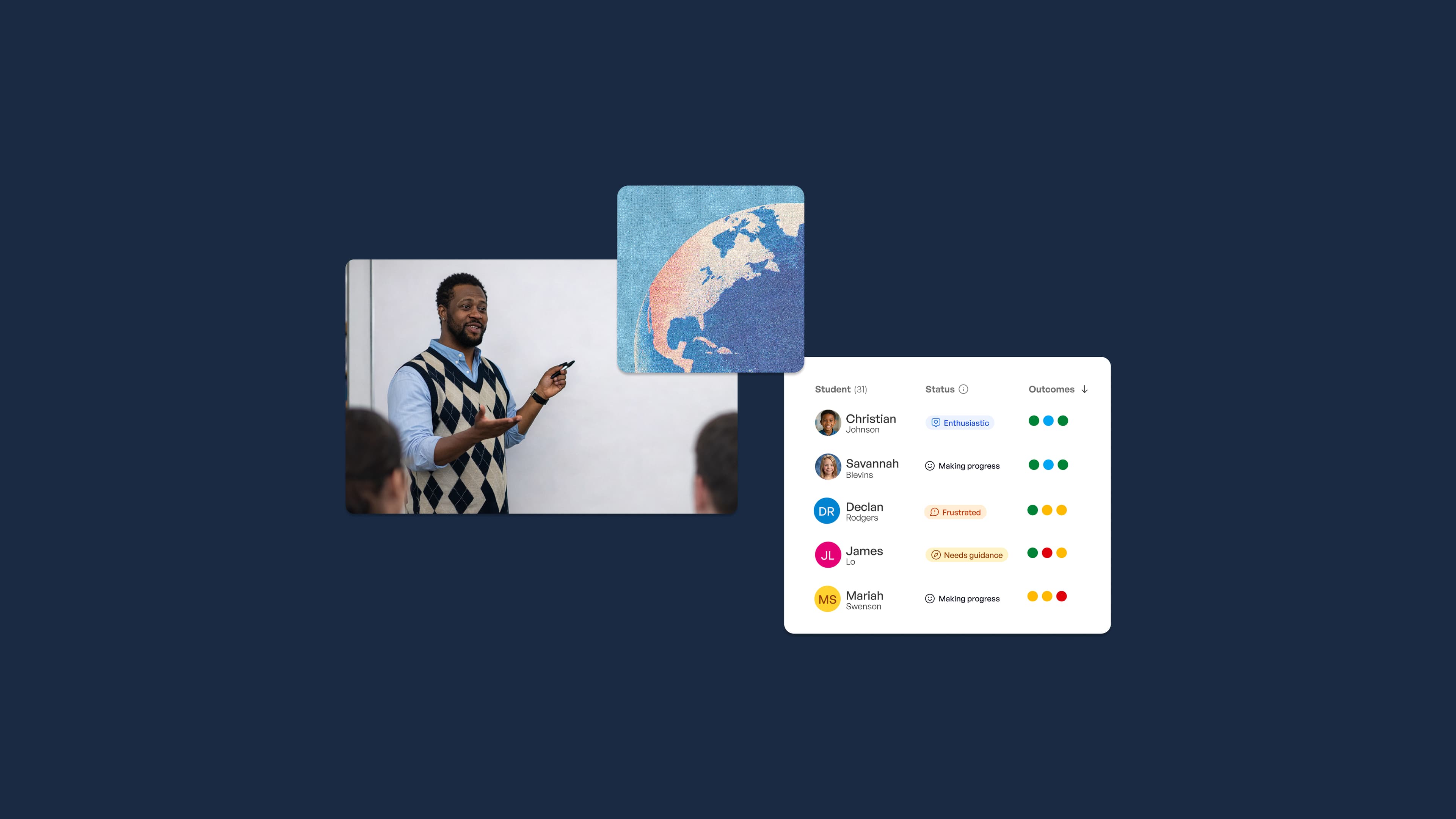
A teacher looking at the student's work in Mission Control can see the student's conversation and reasoning while the activity is happening. Instead of waiting until the assignment is finished, the teacher can respond immediately with something as simple as:
“You found a claim that sounds convincing. Now show me evidence from a source outside of the AI response. What did that source tell you?”
As students work, I would look for three things:
-
A precise claim rather than an entire paragraph
-
Relevant outside evidence that actually addresses the claim
-
An explanation connecting the evidence to the student's conclusion
And remember: “unresolved” can be a very good answer. Students don't have to force a claim into true or false when the evidence isn't strong enough to make that judgment.
For leaders, the most useful follow-up question isn't, “How many students finished?” Ask teachers, “What did this activity show you about how your students reason when they encounter an AI-generated answer?”
SchoolAI doesn't fact-check claims for students or certify that a source is trustworthy. The student does the checking. The teacher sees the reasoning and decides where additional instruction is needed.
From my classroom: One misconception I see in information literacy work is that students can confuse finding a source with finding evidence. They will sometimes locate a website that appears relevant and stop there. I respond by asking them to point to the exact information on the page that supports their claim. That small shift—from “I found a website” to “I found evidence”—changes the conversation.
Make the practice part of instruction beyond the week
Digital Citizenship Week shouldn't become one more activity that disappears when Friday arrives.
Here is the message I would send to teachers:
“During Digital Citizenship Week, please use this AI claim-checking activity with your students. The learning goal is for students to evaluate a claim using outside evidence and explain whether it is supported, contradicted, or unresolved. Afterward, bring one misconception you noticed about how students evaluated information—and how you responded—to our next team meeting.”
Teachers can preview the Space, select a claim and sources that fit their students, and follow their district's expectations for access, privacy, and approved tools. SchoolAI's Spaces allow teachers to design the learning experience, while Mission Control gives teachers visibility into student work as students participate.
For grades 6–12, the activity can stand on its own as a focused research and media-literacy routine. Younger students will need more teacher modeling, simpler claims, and carefully selected sources. Common Sense Education's Digital Citizenship Week resources include grade-band activities for K–2, 3–5, 6–8, and 9–12.
Then repeat it. Use the same routine later in a science lesson, a social studies inquiry, an ELA research project, or another place where students encounter information. The goal isn't to create another initiative. It is to make “How do you know?” part of everyday instruction.
Before October 19, preview the AI claim-checking Space and send the activity to your teachers. Give them one clear learning goal and let students do the thinking. With SchoolAI, teachers can see that thinking as it happens—and, importantly, see which students need another question, another source, or another opportunity to practice.
Digital Citizenship Week is a great reason to start, but students need this practice long after October 23.
If your district is thinking about how a platform like SchoolAI could support this kind of teacher-guided AI learning more broadly, you can book a demo.

About the author
Shannon McClintock Miller
District Teacher Librarian and Innovation Director at Van Meter Community School
Shannon McClintock Miller is the District Teacher Librarian and Innovation Director at Van Meter Community School in Iowa, where she has spent years helping students become curious, critical users of information and technology. A Future Ready Librarians leader and one of District Administration’s Top 100 Education Influencers, she is the author of the award-winning blog The Library Voice, co-author of ISTE’s Leading from the Library, and the writer behind more than a dozen children’s books, including Sonia’s Digital World and the ISTE Digital Explorers series. She now works with educators and librarians around the world on bringing student voice, creativity and smart technology use into everyday learning.
Transform your teaching with AI-powered tools for personalized learning
See how every student is doing, and know what to do next.