Understanding the New SchoolAI Free Plan
SchoolAI's Free plan now includes 5 Space sessions per year. Safety alerts, Chat with Dot, and most PowerUps remain fully available for teachers.
Tucker Austin • Jul 15, 2026
Teacher Workflow & Planning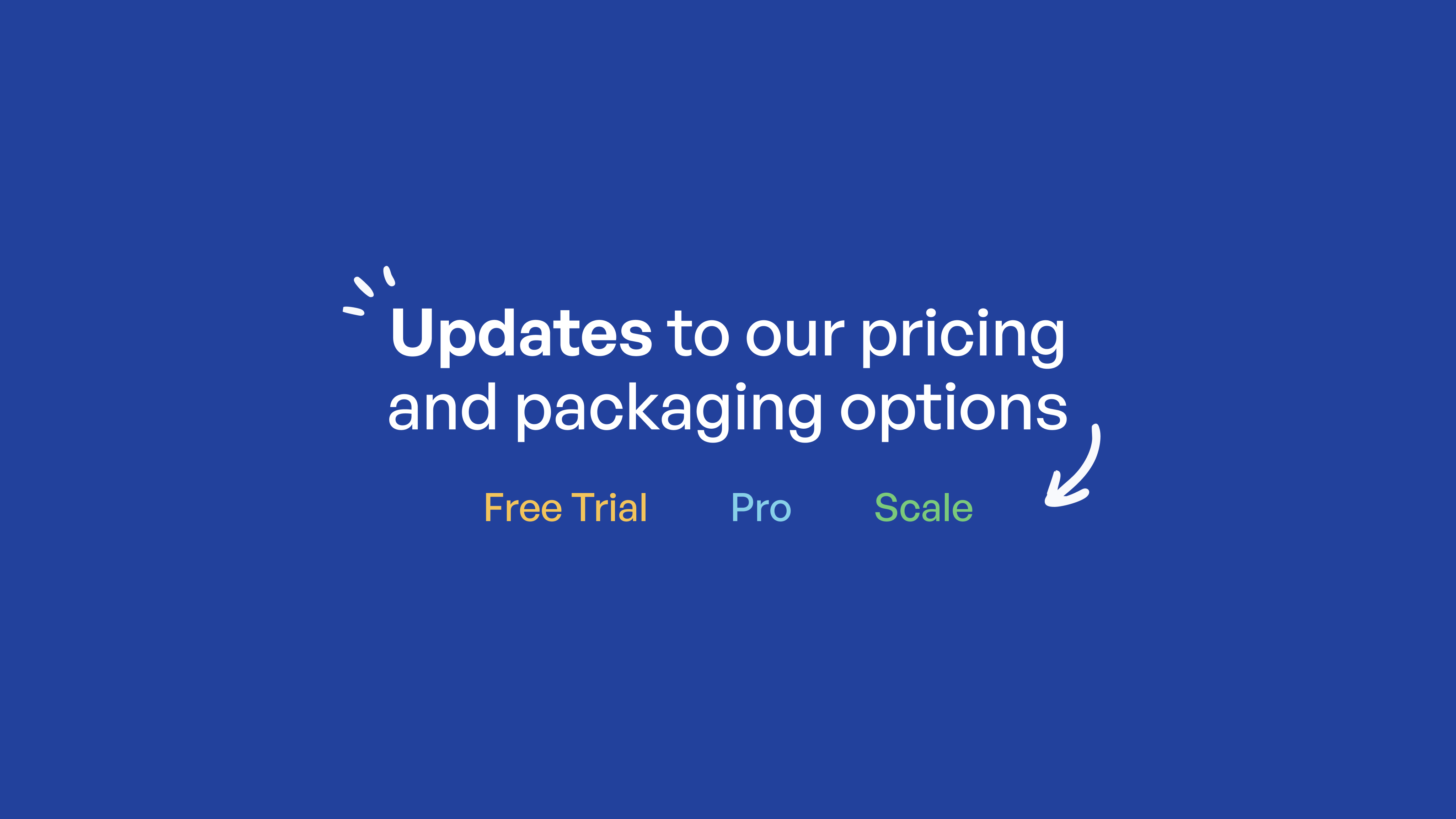
SchoolAI's Free plan is changing. Here's a walkthrough of what's new, what stays the same, and how the updated Free trial plan works for individual teachers.
For a full side-by-side comparison of Free trial, Pro, and Scale, visit schoolai.com/pricing. That page is always the best place to check current plan details.
Why we're making this change
We want the Free trial plan to offer real, lasting value to individual teachers, with no expiration date or countdown clock. At the same time, protecting student safety and privacy remains our top priority across every plan, Free trial included. These updates reflect that principle: safety and wellness features stay available to everyone, while deeper analytics, customization, and premium tools become part of our paid plans.
The biggest change: Space sessions
Free trial accounts now include five Space sessions per year.
Each time you run a Space, that counts as one session. If you create a single Space and run it five separate times, you'll have used your full annual allotment. This is a cap on sessions, not on how many Spaces you can build.
A few things to know:
-
Your onboarding Space doesn't count. New users can complete their first Space without it affecting their annual limit.
-
You can earn more sessions through referrals (coming soon). Each activated referral (a real, verified signup) earns you 2 additional Space sessions. There's no cap on how many you can earn this way.
-
Several features are tied to this same session limit because they only apply while a Space is running: Live Translation, in-session Mission Control insights, Space-level standards, and Space attachments. Details on each are below.
What stays the same on Free trial
Several core parts of SchoolAI remain fully available with no restrictions and no session limits.
Chat with Dot remains available on the Free trial plan for teachers.
Tools and Assistants are fully included with no restrictions.
Critical Alerts remain active for every user, on every plan, with no exceptions. Safety and wellness alerts are never gated behind a paywall. This baseline protection is identical whether you're on Free trial, Pro, or Scale.
Standards Alignment for national and state standards remains fully available. Custom standards upload and mapping is a Scale feature.
Student chat visibility, including individual chat drill-down, is included on Free trial with no restrictions.
Chat Attachments are included on Free trial with no restrictions.
The core Professional Development suite (the PD Hub, PD Certifications, and Live Professional Development) remains available on Free trial.
The Browser Extension offers a core feature set on Free trial, including Chat with Dot, Document Creation, Revision History, and the ability to create a Space. See schoolai.com/pricing for the full breakdown.
PowerUps remain largely available on Free trial, including the Document Generator, Resource Uploads, the Graphing Calculator (powered by Desmos), Doodle Board, Image Generator, Translate, and Brain Boosters.
What's available within your Space sessions
These features work inside active Spaces, so they fall within your 5 session annual limit.
Live Translation across approximately 100 languages is still part of Free trial. It's available inside any Space you launch.
In-session Mission Control insights, including Premium Insights, Smart Groups, and Outcomes, are available for any Space you've launched within your annual session limit.
Configurable standards for Space-level outcomes are available within your session limit.
Space Attachments are available within your session limit.
Space-level file context (upload reference documents for your Space to draw on) is available on Free trial within your session limit, with a 10MB file upload cap.
What moves to paid plans
A small number of features are now part of Pro or Scale.
Browser Extension premium tools: Writing feedback features, presentation creation, and the Notetaker are available on paid plans.
Select PowerUps: The Presentation Creator, Flashcards, Mindmap, and Video Explorer are reserved for paid plans.
AI Audit Traces and Usage Reports are available on paid plans.
Custom, persistent guardrails are available on Pro.
Administrative oversight features on paid plans include the ability to add an admin or backup recipient to receive critical alert emails, and (on Scale) teacher visibility into student AI Sidekick conversations.
Professional Learning services, including implementation and training packages, are available with paid plans.
Data, Privacy & Security
Nothing changes here. All data privacy and compliance certifications remain the same across every plan:
-
Student Data Security, Privacy & Compliance
-
FERPA Compliant
-
COPPA Compliant
-
SOC 2 Compliant
-
1EdTech & Common Good Certified
-
Standard Data Processing Agreement (DPA) documentation is available to all users; custom redlines are available on Pro and Scale.
Visit schoolai.com/trust for more on our commitment to safety and compliance.
Can I purchase a paid plan as an individual teacher?
SchoolAI's paid plans (Pro and Scale) are only available through a school or district purchase. We don't offer a self-serve, individual paid plan for teachers.
This is an intentional choice. We believe AI in the classroom works best when it's implemented at the school or district level, where administrators can support adoption, ensure consistent safety and privacy standards, and give teachers the training and resources to use it well. If you'd like to bring SchoolAI's paid features to your classroom, the best path is to loop in your school or district administrator. Reach out to our team if you'd like help bringing your leadership on board.
Questions?
If you have questions about how these changes affect your account, reach out to our support team or visit schoolai.com/pricing for the latest plan details.
Transform your teaching with AI-powered tools for personalized learning
See how every student is doing, and know what to do next.