Understanding which tools teachers use: A guide to educational technology tools
The educational technology tools teachers rely on most, and how to choose the right ones for your classroom.
Fely García López • Jul 24, 2026
Teacher Workflow & Planning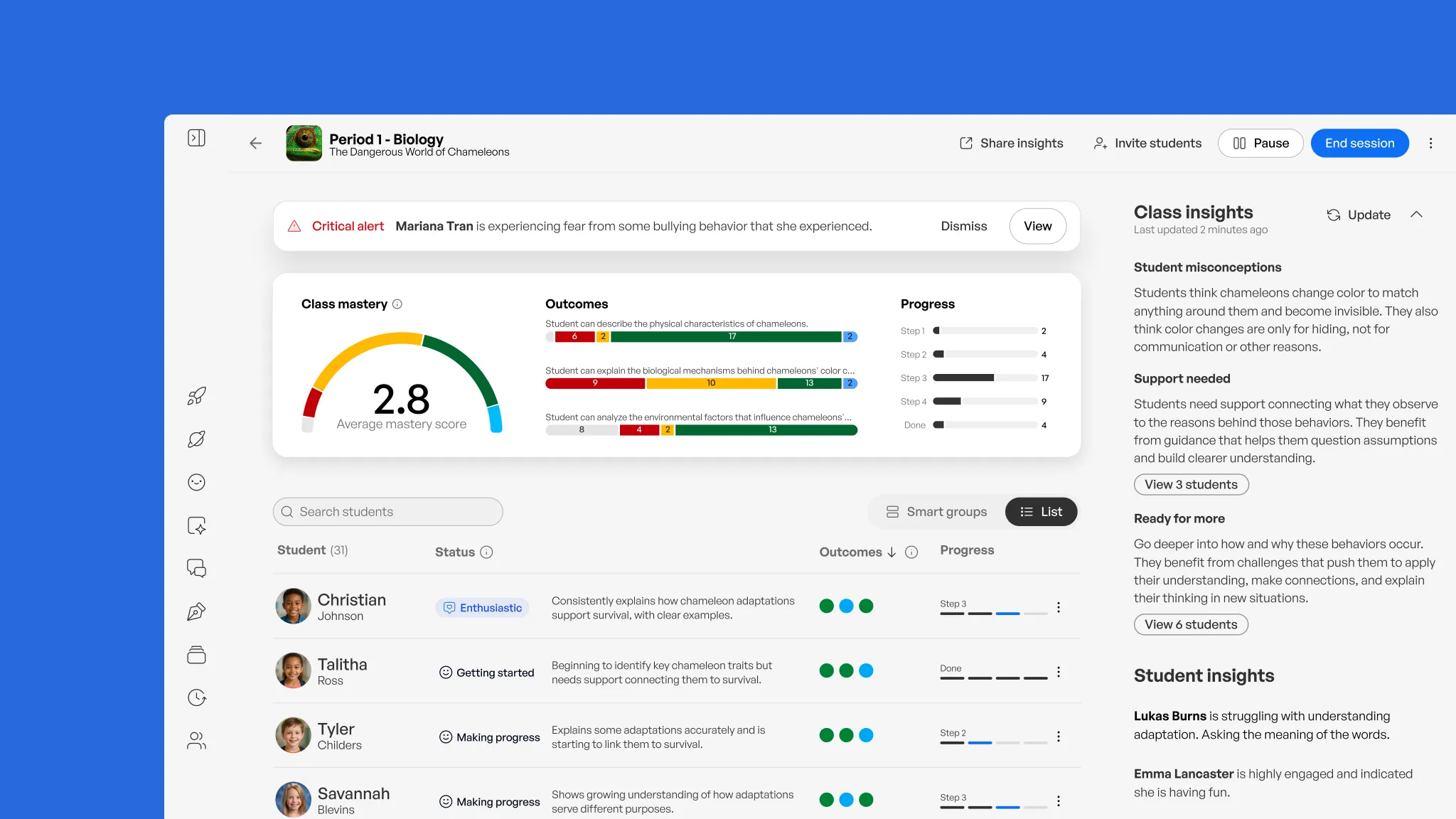
What counts as an educational technology tool for teachers?
When we talk about the tools teachers use, we cannot begin with the tool. We have to begin with the teacher. On any given day, a teacher is holding instruction, assessment, behavior, family communication, differentiation, compliance, and the well-being of thirty students, all at once. Every choice about technology sits on top of that reality. Today's classroom runs on a blended stack: learning management systems, gamified quiz and assessment apps, interactive presentation and video tools, AI-assisted planning resources, communication apps, and physical tools like whiteboards and manipulatives. Teachers reach for these to meet four honest needs: assigning and organizing work, checking for understanding in real time, keeping students engaged, and staying connected with students and families. The growing search for "educational technology tools for teachers" tells us something has shifted. Teachers are not looking for one perfect app anymore. They are building a thoughtful toolkit that protects their time and helps them truly see how each student is doing. What follows is a look at each category, and a way to decide whether a new tool deserves a place in an already full day.
Key takeaways
-
Teachers never choose tools in a vacuum. Every decision is shaped by their time, their district, their students, and the many roles they carry.
-
The strongest toolkits blend digital tools with hands-on ones like whiteboards and manipulatives, instead of trading one for the other.
-
Engagement and mastery are not the same thing, so the tools worth keeping are the ones that show whether students are actually learning.
-
The better question is not "why aren't teachers using the newest tool?" but "what problem does this solve, and what does it ask of the teacher?"
Learning management systems: The digital backbone of the classroom
For most schools, the learning management system is where the day comes together. It is the home base where assignments get posted, work gets turned in, and feedback finds its way back to students. The system a school chooses usually reflects its size and history more than any list of features.
Everyday cloud productivity suites
The most common starting point is a familiar cloud suite built around shared docs, slides, forms, email, and a classroom hub for posting work and returning feedback. These tools stay because staff already know the apps underneath them, so training time stays low and teachers can actually use them. Familiarity matters more than we sometimes admit. When planning time is scarce, choosing a tool teachers already understand is not settling. It is respecting their time.
Advanced, analytics-heavy platforms
Larger or more complex settings often need more: deeper grading rubrics, adaptive learning paths, built-in video conferencing, and integration libraries that connect dozens of classroom tools into one place. You see these more at the middle and high school level, where reporting depth and integration matter more than simplicity.
Community and communication-focused platforms
Some districts choose platforms built around parent and student engagement, with a warmer, more collaborative feel alongside coursework. It is worth remembering that LMS use grew during remote and hybrid learning, and most of what stayed did so because it worked for teachers, not because someone required it.
Gamified engagement and formative assessment tools
Real-time quiz and game-based platforms turn quiet checks for understanding into something students genuinely want to do, and they let teachers notice gaps in the middle of a lesson instead of after grading.
-
Common formats include live trivia-style review games, same-day exit tickets, and reward systems where students earn points for correct answers.
-
These work best as formative tools, not summative ones: quick, frequent, low-pressure checks that guide the next move instead of a final grade.
-
The real gift here is not the game. It is the immediacy. A teacher watching live responses can regroup students, reteach a concept, or move ahead, all within the same class period.
-
Here is the tension worth naming. Engagement is not mastery. A student can be joyfully playing a quiz game and still miss the concept underneath it. That quiet gap is one every teacher learns to watch for, especially for the students who are still building confidence in their own voice.
-
The stronger platforms show growth over time instead of single-session scores, so teachers can see patterns across a semester and respond to them.
Interactive presentations and video tools
Instead of clicking through slides while students drift, many teachers now build polls, questions, and discussion prompts right into their presentations, so students respond as the lesson unfolds. Video tools do something similar. A teacher can take an existing video and add graded questions at specific moments, turning "watch this" into a real comprehension check rather than passive viewing.
These tools earn their place on flipped-classroom days, substitute days, and asynchronous assignments, when embedded questions keep students accountable even when a teacher is not standing in front of them. For a teacher carrying three preps, that shift from passive to active can be what makes a lesson finally land. The heart of this category is simple. It turns one-way delivery into a two-way conversation, and that exchange is consistently linked to stronger retention than watching or listening alone.
AI-assisted lesson planning and content creation
This is the category growing fastest, and I understand why. It gives teachers back the hours that used to disappear into their evenings.
1: Generating a full lesson plan in minutes
A single prompt can produce a full plan with objectives aligned to standards, discussion questions, and activity ideas. It does not replace a teacher's judgment, but it does clear away the blank page, which is so often the hardest part of starting.
2: Differentiating one piece of content into multiple reading levels
The same passage can become versions for beginning readers, grade-level students, and advanced learners in a fraction of the time it would take to write three by hand. For me, this one is personal. As an English learner myself, I know how much it matters when a student can finally access the same idea as everyone else, in a language that meets them where they are. For a classroom full of multilingual learners, that is not a small convenience. It is belonging.
3: Drafting rubrics, quizzes, and assessments
AI can create a first draft of grading criteria or assessment questions that a teacher then reviews and shapes, instead of building each one from nothing every unit.
4: Grounding AI output in a teacher's own curriculum
The most useful planning tools let teachers upload their own documents, notes, and standards, so the suggestions reflect what is really being taught, not generic content from the internet. This is where a platform like SchoolAI fits: teachers build custom, standards-aligned learning experiences called Spaces, so students work with AI inside a structure the teacher designed, not an open-ended chatbot.
Communication and classroom management tools
On any given day, a teacher is an instructor, a mentor, a data analyst, a family liaison, a classroom manager, and a tech troubleshooter, sometimes all within one hour. This category exists to carry a little of that weight.
-
Behavior and family communication apps connect teachers, students, and parents through a shared space that tracks goals and shares updates, without a stack of one-off emails and phone calls. For families who speak a language other than English at home, that shared space can be the difference between feeling included and feeling shut out.
-
Digital bulletin boards let students post notes, links, and project work into a shared, real-time space, which is wonderful for brainstorming, group projects, and making thinking visible.
-
Classroom display dashboards handle the small things that eat transition time: timers, group makers, noise-level meters. Small tools, real minutes returned.
The goal across this whole category is to close the distance between what happens in the classroom and what families can see, without adding more to the teacher's plate.
Tired of juggling a dozen tools?
SchoolAI combines planning, engagement, and real-time mastery data in one safe, teacher-guided AI space.
Traditional and physical classroom tools still matter
For all the energy around digital tools, physical resources are still a foundation in most classrooms, especially for our youngest and most tactile learners. Whiteboards get used constantly for real-time concept mapping, quick brainstorming, and holding the day's schedule. Manipulatives like counting blocks, fraction tiles, and simple science kits turn abstract ideas into something a child can hold and move. Anchor charts, vocabulary walls, and posted visuals stay on the wall as a steady reference that needs no device and no login. The strongest tool stacks tend to hold digital and physical together rather than replacing one with the other. A teacher who reaches for a manipulative instead of an app is not behind. That teacher is choosing the right tool for that child, in that moment.
How to choose the right educational technology tools for your classroom
Before scrolling through feature lists, it helps to change the question. Instead of "why aren't teachers using the newest tool?", ask "what are we really trying to make better?" These five steps keep the decision rooted in the classroom and in the people inside it.
1: Define the specific classroom need first
Start with one real, recurring need, like faster feedback or more even differentiation, rather than searching for something that simply sounds impressive. The clearer the need, the easier every other choice becomes.
2: Ask what happens to student data
Before piloting anything, ask whether it is FERPA and COPPA compliant, whether it trains on student data, and what happens to that data if the contract ends. These questions protect students, and they protect teachers too.
3: Look for evidence of learning outcomes, not just engagement
A tool students enjoy is not automatically a tool that helps them learn. Ask for evidence, case studies, or research tied to real learning outcomes.
4: Estimate the real setup and training cost
Every new tool carries a hidden cost: time to learn it, time to build accounts and materials, student onboarding, family communication, troubleshooting, and one more dashboard to watch. A tool that looks simple to a leader or a developer can create real work for the person running the classroom. Count the training time, not only the license fee.
5: Pilot before you scale
Try a new tool with one class or one problem for a few weeks, track something concrete like minutes saved or a change in participation, and then decide whether it has earned a permanent place. Teachers should have a real voice in that decision. They are the ones who know their students by name.
Bringing it all together: Why safe, data-backed AI belongs in every teacher's toolkit
With so many categories already in play, the question for most teachers is not whether to add AI. It is how to add it without creating one more disconnected app to manage. The most useful AI tools sit on top of the categories we have already walked through. They help with planning, they support formative assessment, and they fit into the communication and classroom habits a teacher already has, instead of replacing them. That is the difference between a tool that honors a teacher's time and one that quietly asks for more of it.
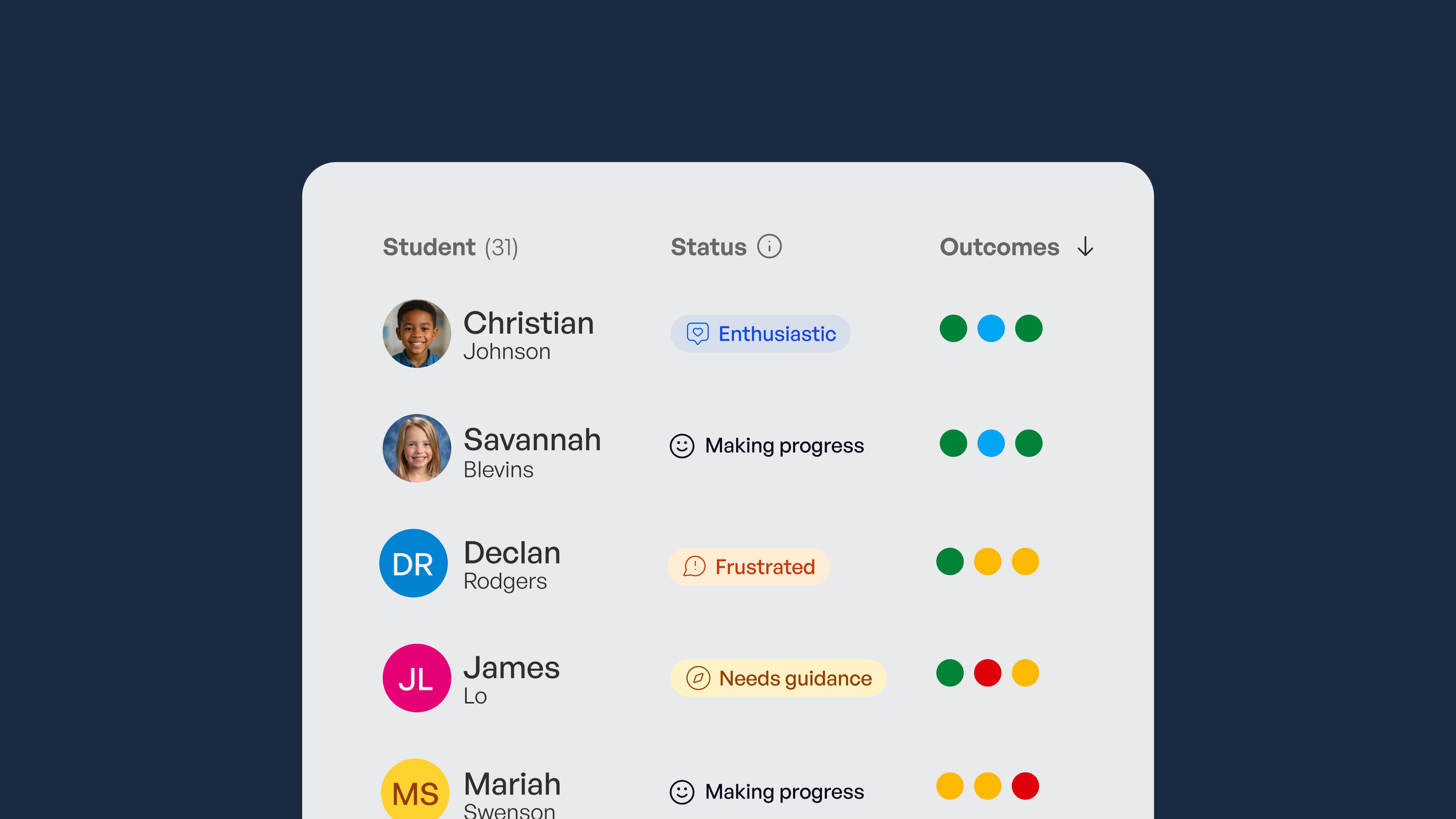
This is where SchoolAI belongs. It offers safe, classroom-ready AI where students learn inside teacher-designed, guardrailed experiences, and teachers get real-time mastery data showing whether students are truly reaching the outcomes that matter, not only whether they are clicking. Teachers can see every student conversation as it happens and know who needs support and what to do next, which turns that earlier question of engagement versus mastery into a clear, living picture. Built-in guardrails, human oversight, and compliance certifications keep teachers in control of what students can reach. None of this is about adding one more demand to an already full day. Teachers do not need another thing to carry. They need tools, leaders, and systems that respect their time, honor their expertise, and help them care for the students in front of them. So before we add the next tool to the pile, maybe the most caring question we can ask is this: does it help a teacher teach, and does it help a student feel seen? If that is the kind of tool you are looking for, you can sign up or buy SchoolAI for your school to see how it fits into the classroom you already know.

About the author
Fely García López
Education Specialist at SchoolAI, Multilingual Educator
Fely spent 20 years in education before joining SchoolAI, most recently as Educator Innovation Lead at Microsoft, where she focused on bringing ed-tech tools into everyday teaching practice. She learned English as a young adult and knows what it feels like to sit in a room where the words move faster than you can hold them. That experience shapes how she works with schools today, focusing on language-aware instruction and practical AI integration that guides students toward their own answers rather than handing answers over.
Bring SchoolAI to your whole school or district.
See how every student is doing, and know what to do next.