Signs your classroom technology is actually paying off
See the clear signs classroom technology is working, from active engagement to real-time student data.
Blasia Dunham • Aug 25, 2026
Assessment & Learning Evidence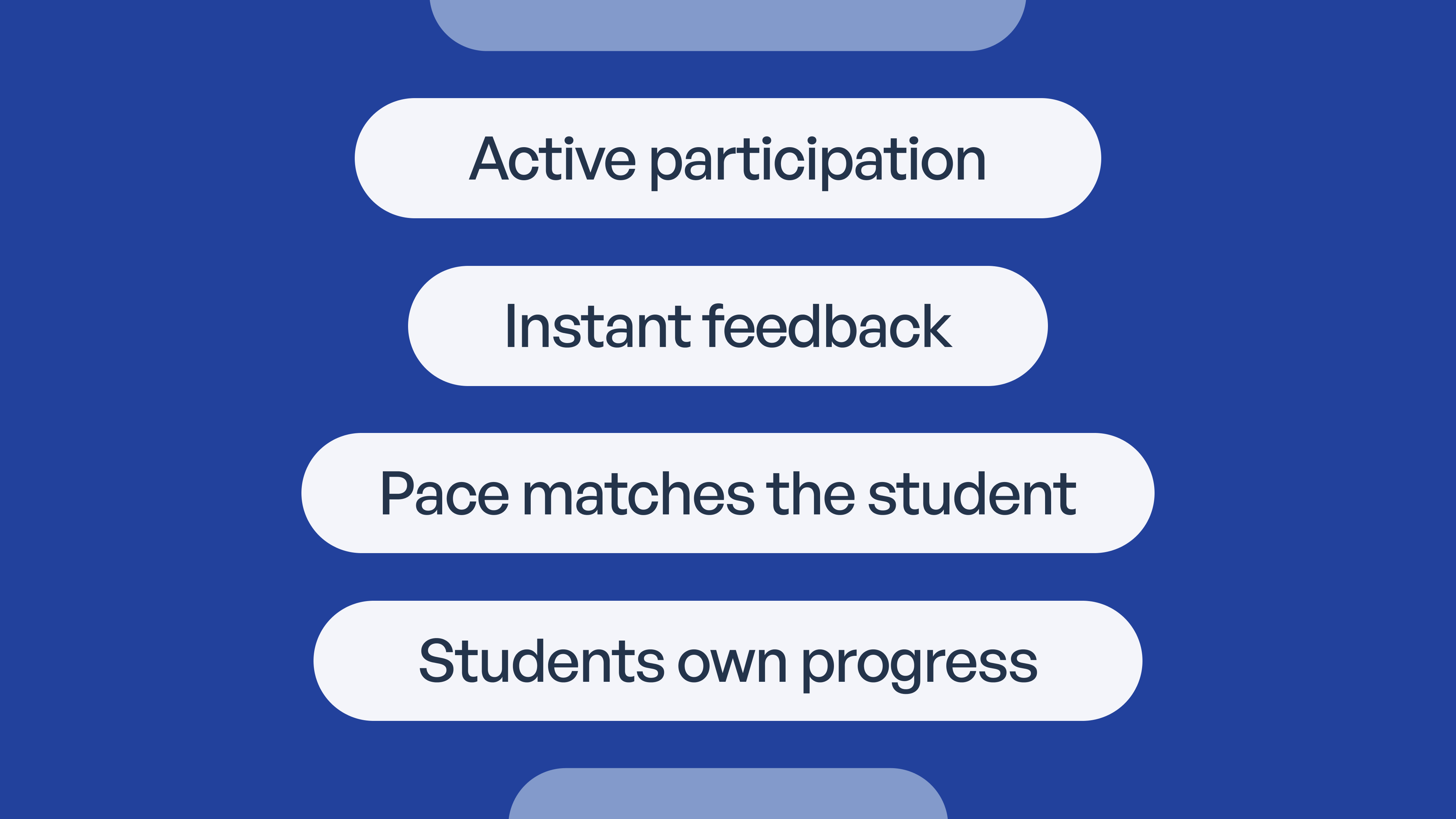
Why adoption and effectiveness aren't the same thing
Nobody searches for signs their classroom technology is effective because they're shopping. They search because the devices are already here, the licenses are already paid for, and someone is asking whether any of it is helping students learn. Classrooms are full of apps, platforms, and one-to-one devices, but adoption and effectiveness are two different measurements. A tool can have perfect login rates and still change nothing about how students learn. This guide covers four proof points that show technology is earning its place: active participation, real-time feedback, personalized pacing, and student ownership. It also covers the flip side, because some signals point the other way: disengagement, downtime, and tools that create work instead of removing it. Consider it a practical sign-spotting guide for teachers and school leaders, not a product pitch.
Key takeaways
-
Usage data tells you a tool is being opened; participation, accuracy, and growth data tell you whether it's working.
-
The clearest sign of effective technology is students creating something with what they've learned instead of clicking through content.
-
Real-time feedback a teacher can act on before the bell rings beats any report that arrives after the class has moved on.
-
Technology that adjusts pace and removes access barriers reaches students a single-speed lesson leaves behind.
-
Downtime, compatibility problems, and added busywork are signs a tool needs replacing, no matter how promising it looked at purchase.
Sign 1: students are active participants, not passive screen watchers
Students create instead of just consuming
You can walk into a classroom and spot this sign in about two minutes. Effective tools put students in production mode:
-
Students are recording a video explanation, building a coded project, drafting a written argument, or solving a real problem, rather than clicking through slides.
-
The shift from watching a lesson to making something with the lesson is one of the clearest indicators technology is doing its job. The lesson becomes raw material instead of the finished product.
-
Compare that against the low-engagement version: a tab is open but nothing is happening in it, or an assignment comes back finished by a student who can't explain a single answer in it.
The whole class joins in, not just the confident few
Hand raising has always favored the same five students. Effective technology widens the lane:
-
Live polls, shared documents, and interactive response tools pull quieter students into the lesson alongside the ones who would happily carry every discussion.
-
Researchers call this participatory learning: technology lowers the barrier to speaking up, so participation stops depending on confidence.
-
Student-created digital media, like videos, podcasts, and presentations, gives more students a way to show understanding than a raised hand ever could.
Sign 2: teachers and students get real-time feedback they can act on
Think about the feedback rhythm most of us grew up with. A quiz went home in a backpack, came back graded days later, and by then the class had moved on entirely. Effective classroom technology collapses that lag. A teacher dashboard shows who understood today's concept before the bell rings, not after a test gets scored, which is what a working feedback loop actually looks like. Adaptive programs flag a wrong answer the moment it happens and let the student try again while the concept is still fresh, instead of waiting for a corrected worksheet to circle back. On paper the difference sounds small. In practice, it's the difference between correcting a misconception on Tuesday and reteaching a unit in March.
For a concrete picture of this sign, look at digital exit tickets. Students answer two or three questions in the last minutes of class, and the teacher sees results immediately: who got it, who's shaky, and which wrong answer half the room picked. That last piece matters, because a shared wrong answer usually means the lesson needs adjusting, not the students. Faster feedback also compounds. When a teacher can correct course within a single class period, students get more chances to practice each week, and small gaps get closed before they harden into failing grades.
Sign 3: learning moves at each student's actual pace
Pace adjusts instead of forcing one speed for everyone
One lesson at one speed for thirty different students has never worked. Technology is effective when it stops pretending it does:
-
Students who have mastered a concept move ahead to application or enrichment instead of sitting through a third round of repetition.
-
Students who need more time get additional practice or a different explanation without being singled out in front of the class.
-
That's the test worth applying: is the tool delivering identical content to everyone, or actually differentiating? Only the second one earns the word personalized.
Built-in supports remove barriers instead of creating new ones
Pace is only half of personalization. The other half is access:
-
Text-to-speech, read-aloud, and translation features let students with different needs work with the same material as their peers, not a watered-down version of it.
-
Multiple formats for the same lesson, whether text, audio, or video, plus asynchronous options, give students more than one door into the content.
-
This is equity in practice. Personalization covers access as much as speed, and a tool that removes barriers for some students raises the floor for the whole class.
Know it's working
Safe, teacher-guardrailed AI experiences, plus real-time mastery data so you're never guessing
Sign 4: students track and own their own progress
1: Students track their own scores and goals
Digital portfolios and progress trackers let students watch their own growth over time instead of hearing about it twice a year at conferences. That visibility changes a student's relationship with grades. A score stops being something that happens to them and becomes something they're actively managing. When a seventh grader can pull up their own trend line and tell you which direction it's moving, the tool is doing more than record keeping.
2: Students can name exactly what to fix
Vague scores don't build ownership; specific feedback does. Effective technology tells a student "you're mixing up these two steps," not just "68%." The test is simple: ask a student what they need to work on. If they can answer without looking at the teacher, the feedback is reaching them. If every answer is a shrug, the tool is producing data, not direction.
3: Ownership shows up in behavior, not just data
The strongest version of this sign never appears on a dashboard. Look for students revising work nobody told them to revise, setting their own next goal, or asking for a specific kind of help instead of a general rescue. Those behaviors show a tool is building independence rather than dependence. Any platform can display a progress bar. What matters is what students do when nobody assigns the next step.
Signs your classroom technology needs an upgrade
Not every signal is a green light. Here's what the warning signs look like:
Reliability problems are eating instructional time
-
Frequent downtime, freezing apps, and connectivity drops turn a 45-minute lesson into 30 minutes of troubleshooting with an audience.
-
Watch teacher expectations, too. If the default assumption walking into class is "this might not work today," the tool has become a liability instead of an asset, and teachers quietly build paper backups for it.
-
Lost minutes compound the same way fast feedback does, just in the wrong direction.
Tools don't work across devices or with each other
-
A tool that runs on one browser or one device type but not others creates constant friction, especially in bring-your-own-device classrooms where nobody controls the hardware mix.
-
Disconnected platforms are the quieter version of the same problem: when tools don't share data, teachers end up manually stitching together what's happening across three dashboards.
-
If reconciling systems has become part of someone's job, the technology is generating the exact work it was supposed to remove.
Technology is adding work instead of removing it
-
A tool that requires more prep, more logins, or more manual grading than the paper version it replaced is showing poor fit, not poor effort from the teacher.
-
Run the active-versus-passive check: are students creating, solving, and deciding, or clicking next and watching videos? A tool that only supports passive use rarely justifies its overhead.
-
That check takes one class period and costs nothing, which makes it a good first step before any replacement conversation.
How to measure whether your classroom technology is actually working
1: Look at participation and outcome data, not just usage logs
Login counts and time-on-platform are the easiest numbers to pull and the least useful ones to act on. They tell you a tool is being opened, not whether anyone is learning from it. Usage data earns its keep when it's paired with completion rates, accuracy trends, and growth over time. Ten focused minutes that move a student's accuracy beats forty logged minutes that move nothing.
2: Check whether the feedback loop actually closes
Collecting data is the easy half. Effective technology surfaces that data to teachers in time to act, then shows whether the action changed the outcome. That full loop, from signal to intervention to result, is what a tool like Mission Control is designed to close. If your current platform reports what happened last month but never changes what happens tomorrow, the loop is open, and open loops don't improve learning.
3: Ask students directly
A short, honest check-in often reveals more than any analytics dashboard: "What do you understand better because of this tool?" Students will tell you when a platform is busywork, sometimes gleefully. Their self-report has blind spots, though, so combine it with teacher observation and outcome data. Together, those three sources give you a fuller picture than any one of them provides alone.
Turning these signs into consistent results with SchoolAI
Most schools have the will to check for these signs. What they're missing is the visibility to do it consistently, classroom by classroom, without turning every teacher into a data analyst. The four signs above, participation, feedback, pace, and ownership, aren't a list of unrelated best practices. They're exactly what SchoolAI is built to surface. Students learn inside teacher-designed, guardrailed Spaces, so active participation and ownership happen within boundaries the teacher controls, not on the open internet.
On the educator side, real-time mastery data closes the feedback loop from Sign 2 and the measurement section: teachers see whether students are reaching the outcomes that matter, not just whether they're logged in. That's the difference between hoping your technology is working and knowing it is. If you'd like to see what these signs look like when they show up on purpose, request a demo or sign up today and try it with one class.

About the author
Blasia Dunham
Education Specialist at SchoolAI, Former Technology Integration Specialist
Blasia is a former technology integration specialist who spent years coaching teachers through co-teaching, hands-on training, and one-on-one support. A semi-finalist for AI Educator of the Year, she's known for turning teacher hesitation into confidence. At SchoolAI, she helps educators find their footing with AI the same way she helped teachers find their footing with tech: side by side, one step at a time.
Transform your teaching with AI-powered tools for personalized learning
See how every student is doing, and know what to do next.