How schools track technology usage
Learn how schools track student tech use across devices, networks, and accounts and what it means for privacy.
Avery Balasbas • Jul 7, 2026 • Updated Sep 3, 2026
AI Literacy Safety & Policy
The technology behind school monitoring systems
Most parents and students assume school-issued devices and networks come with some level of monitoring. Fewer understand the full scope of what schools can actually see. Schools today use a layered combination of software, network infrastructure, and AI to track technology usage across devices, accounts, and Wi-Fi connections, and the picture looks different depending on which layer you're examining. Tracking serves multiple purposes: keeping students safe online, managing district-owned hardware, enforcing acceptable use policies, and flagging potential threats like bullying or self-harm. This article breaks down the primary methods schools use, what those methods can and cannot see, and how privacy considerations fit into the picture.
Key takeaways
-
School technology monitoring operates across three distinct layers: device-level, network-level, and account-level. Each has different capabilities and different limits.
-
Monitoring is scoped to school-owned infrastructure. What students do on personal devices at home on personal networks falls outside school visibility.
-
Federal laws like FERPA and COPPA establish baseline protections for student data, and many states have layered additional requirements on top.
-
AI-powered content scanning tools monitor school-managed accounts around the clock, including evenings and weekends.
-
The most pressing question for districts introducing instructional AI isn't just whether it's monitored. It's whether teachers can see what students are actually learning.
The three layers of school technology tracking
Schools don't rely on a single tool. Monitoring happens across three distinct layers, each designed for different purposes and giving administrators, teachers, and IT staff different kinds of visibility. Understanding how these layers interact helps clarify both what schools can see and where the limits are.
1. Device-level tracking
Software installed directly on school-issued laptops, Chromebooks, and tablets gives administrators a real-time view into what's happening on those devices. Administrators can monitor screen activity, push app updates, enforce security settings, and locate hardware via GPS. Asset tracking programs log device health, repair history, and student assignments; some run a digital check-in every time a student logs in. This layer only applies when a student is logged into a school-managed profile. Offline personal activity, or any activity not connected to school systems, is not captured.
2. Network-level tracking
Any device connecting to school Wi-Fi, including personal phones, routes traffic through school-controlled routers and firewalls. Network administrators can see which domains a device connects to, such as youtube.com or instagram.com, and the timestamp of each connection. IT teams also track upload and download data volume to identify high-bandwidth activity or potential misuse. Encryption limits what schools can access: on HTTPS sites, they can identify the root domain but not the specific pages visited, search queries typed, passwords entered, or private messages sent.
3. Account and content monitoring
School-managed accounts in Google Workspace for Education or Microsoft 365 bring a third layer of visibility. AI-powered monitoring tools continuously scan emails, shared documents, chat messages, and saved files for keywords or images associated with self-harm, cyberbullying, or explicit content. When a risk threshold is crossed, the software escalates to a human moderator or school administrator. The final decision is always made by a person, not the algorithm. This layer does not capture activity on personal accounts or platforms accessed outside school-managed systems.
What schools can and can't see
A lot of anxiety around school monitoring comes from not knowing where the lines actually fall. The reach of any monitoring system depends on which infrastructure is involved. Here's how it breaks down:
-
School-issued device: Schools can see real-time screen activity, installed applications, keystroke logs, and GPS location. They cannot see offline personal activity when the student isn't logged into a school-managed profile.
-
School Wi-Fi on a personal device: Schools can see visited domains, active apps, timestamps, and data usage. They cannot see encrypted message content, specific URLs within a site, passwords, or private DMs.
-
School-managed account (Google/Microsoft): Schools can see emails, shared files, cloud-saved documents, and chat logs. They cannot see files or communications in personal, non-school accounts.
The key boundary is school-owned infrastructure. What students do on personal devices at home using personal networks falls outside school visibility entirely.
Real-time classroom monitoring tools
There's a category of monitoring that goes beyond passive logging: tools teachers actively use during class to manage student attention and keep learning on track. Classroom monitoring platforms let teachers view all student screens simultaneously from a single dashboard. Teachers can push a specific URL to every device in the room, freeze screens to redirect attention, close off-task tabs, or pause internet access entirely. Real-time alerting features can surface when a student visits a flagged site during class, giving teachers the chance to intervene in the moment rather than discovering it in a log the next day. These tools put direct oversight capability in teachers' hands, not just IT administrators', and they're typically scoped to instructional time.
A second layer of real-time monitoring operates in some districts alongside these tools: AI systems that flag concerning content as it's being created, not after the fact. A student drafting a document in Google Docs using language associated with self-harm can trigger an alert to a school counselor before the school day ends. That kind of timely response doesn't depend on someone reviewing logs retroactively. It requires systems built to surface the right information to the right person quickly enough to actually make a difference.
AI that's safe for students and visible to teachers
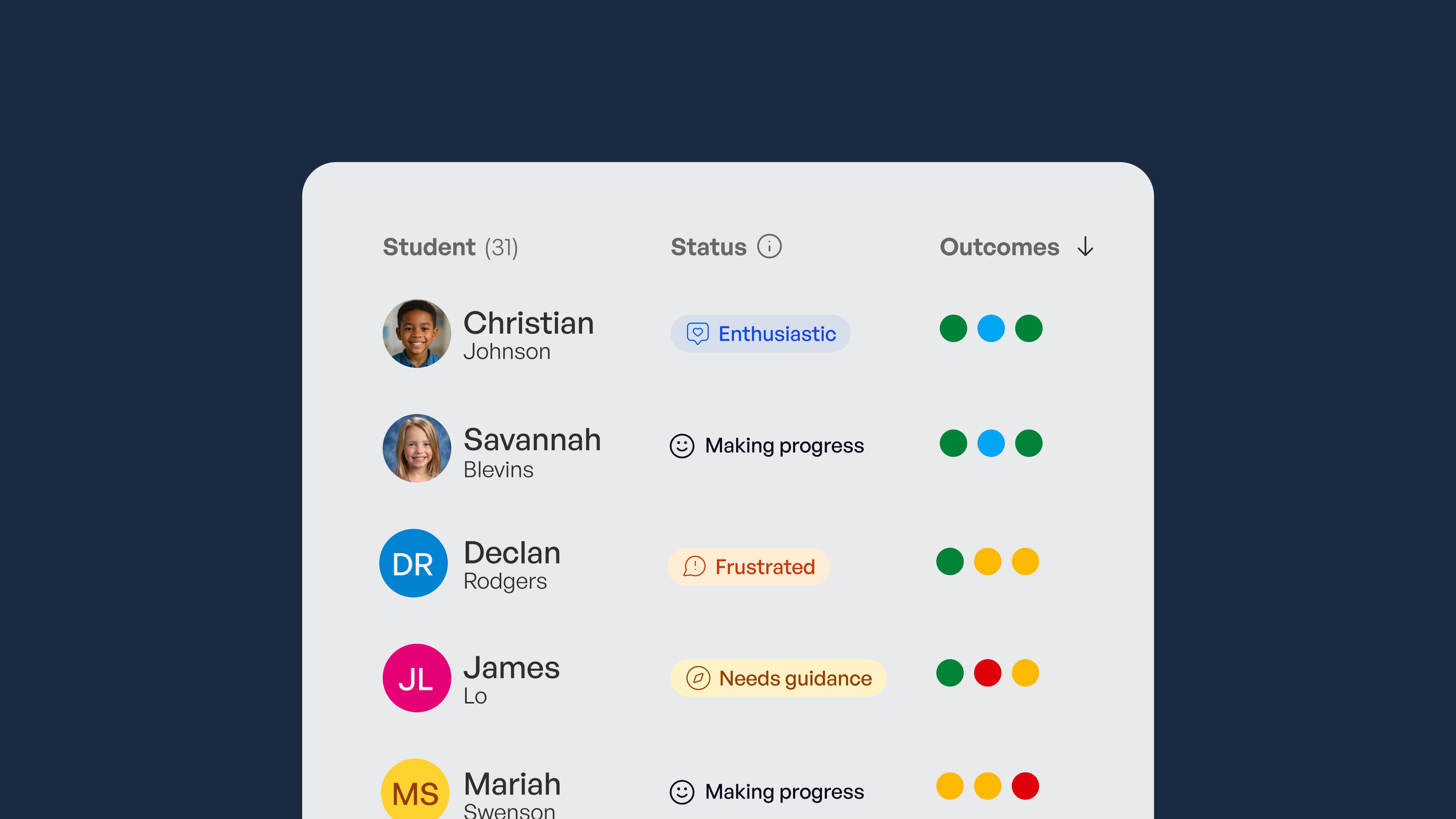
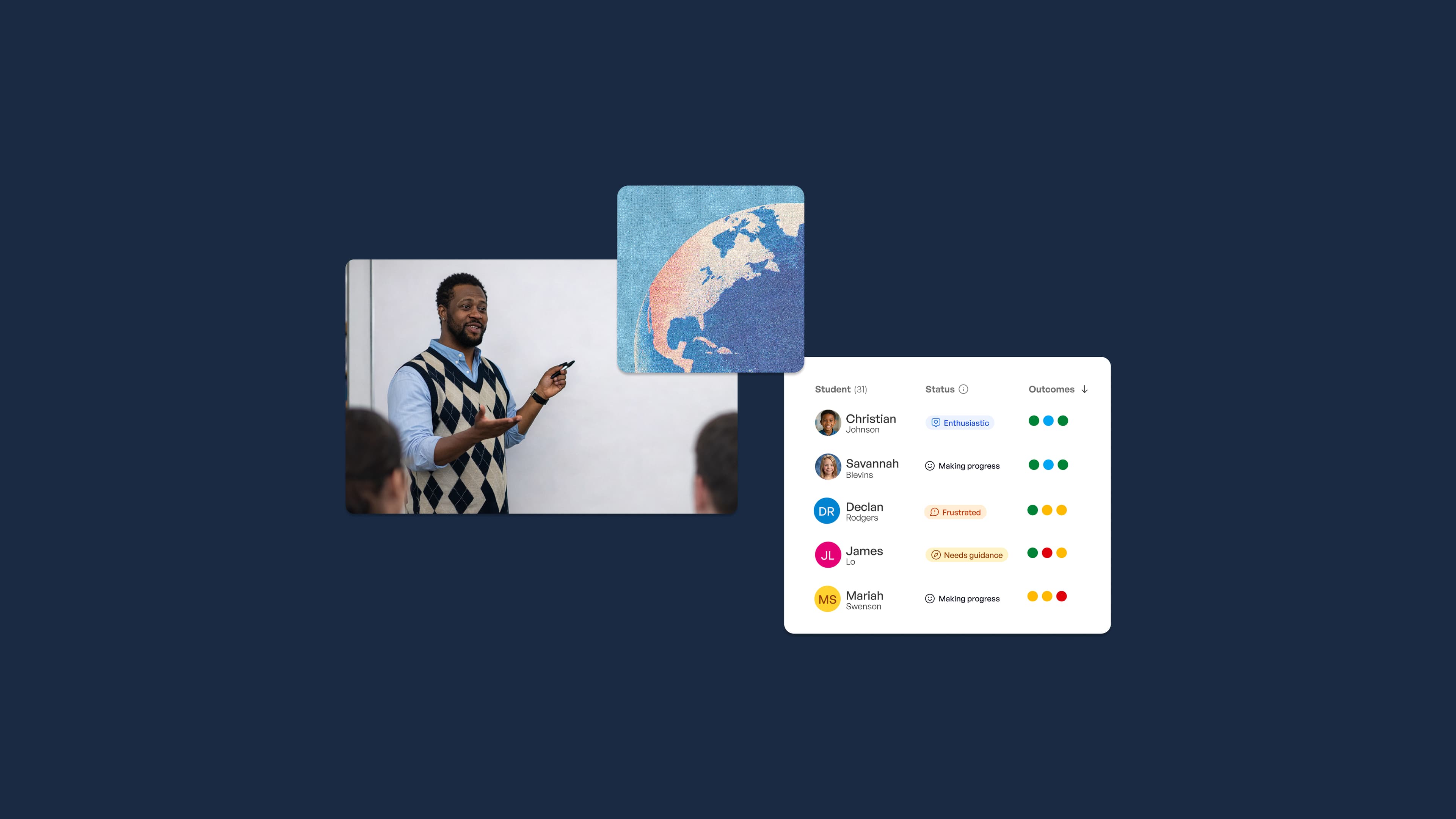
Real-time visibility into student learning outcomes, built on guardrails teachers control.
AI-powered content scanning: how it works
Beyond real-time classroom tools, many districts deploy always-on AI systems that monitor student accounts 24 hours a day, seven days a week, including outside school hours. These services use AI algorithms to continuously audit school-managed accounts for keywords, phrases, and images that suggest threats: self-harm language, violent ideation, cyberbullying, or explicit content. The AI assigns risk scores and surfaces flagged content to human reviewers. The system is designed so that a trained person evaluates every escalation before any action is taken.
Because monitoring extends to evenings and weekends within school-managed accounts, students who use their school Google or Microsoft accounts for personal communication at home remain within the scope of these tools. Districts typically disclose this in acceptable use policies, though how well students and families actually understand the 24/7 scope varies. For families, it's worth reading those policies closely and knowing which accounts a student is logged into when doing homework, messaging friends, or writing anything personal at night.
Mobile device management (MDM) and asset tracking
When a district issues devices to thousands of students, it needs a system to track that entire fleet reliably. MDM platforms provide exactly that: centralized control over every enrolled device, giving IT departments the ability to manage hardware, software, and security settings at scale. MDM is distinct from the content monitoring layers described above. Its primary concerns are operational: Where is this device? Is it running the right software? What happens if a student loses it?
In practice, MDM control includes:
-
Pushing required apps to devices remotely
-
Enforcing district-wide security policies and restricting certain settings
-
Tracking physical device location via GPS
-
Remotely locking or wiping a lost or stolen device
-
Maintaining a full device inventory with assignment history
Asset management tools extend this further by logging device condition, repair tickets, and check-out records. Some systems automatically confirm device status every time a student logs in. This layer is primarily an IT operations and accountability function; its purpose is hardware management and loss prevention, not content surveillance. That said, the GPS and remote access capabilities it includes are more expansive than many families realize, and they apply to the physical device regardless of what the student is doing on it.
Student privacy: what laws apply
School monitoring practices operate within a framework of federal and state privacy laws that govern how student data can be collected, used, and shared. FERPA gives parents the right to access their child's educational records and restricts how schools share that data with third parties. COPPA places additional restrictions on collecting data from children under 13, including through EdTech platforms used in classrooms. That protection matters especially when schools deploy consumer-facing tools not originally designed with K-12 in mind.
Many states have added their own student privacy laws on top of federal baselines. Some require districts to publish data inventories or obtain explicit consent before deploying certain monitoring tools. EdTech vendors that receive student data are generally required under these frameworks to limit how that data is used and to prohibit selling it for advertising purposes. Parents have the right to request information about what monitoring tools their district uses and what data is being retained. Acceptable use policies and district technology governance documents are the starting point for finding those answers.
The privacy debate: balancing safety and student rights
School technology tracking exists on a spectrum, and most stakeholders agree with the basic premise: schools should be able to locate stolen hardware, prevent students from accessing harmful content during class, and respond to credible safety threats before they escalate. The debate sharpens around AI-powered 24/7 account surveillance. Critics argue that continuous monitoring creates a chilling effect on student expression, particularly for students exploring sensitive identity questions or processing difficult emotions through writing. When students know their school email and documents are under constant review, some stop using those platforms for anything personal at all.
Equity runs through this conversation in ways that deserve more attention than they typically get. Students from lower-income households who rely on school-issued devices for all of their computing, including personal activity at home, face a substantially broader scope of monitoring than students who can switch to a personal device for private purposes. That disparity is real, and it means the students with the least institutional power often have the least control over their own digital privacy. Research on the psychological effects of continuous monitoring is still developing, but early findings suggest that awareness of surveillance leads some students to self-censor in ways that affect academic risk-taking and personal expression. These aren't abstract concerns. They shape who feels safe enough to ask hard questions, write honestly, and engage fully in school.
What this means for schools thinking about AI in the classroom
Safety, visibility, and accountability are the concerns driving school technology tracking. Those same concerns apply directly to how AI tools get introduced in classrooms. The difference is that traditional monitoring tells teachers and administrators what students are doing on a device. It doesn't tell them whether students are actually learning.
Schools adopting AI for instruction face a related but distinct challenge: ensuring that AI tools operate within appropriate guardrails and that educators have genuine insight into learning outcomes, not just activity logs. SchoolAI addresses this by providing classroom-ready AI built around teacher-designed, guardrailed experiences. Students engage with AI within boundaries educators set, and teachers receive real-time mastery data showing whether students are meeting the outcomes that matter, not just whether they appeared on task. For districts already thinking carefully about technology governance and student safety, SchoolAI offers a framework where AI use is structured, visible, and aligned to instruction from the start. Not something to be monitored reactively after the fact. Sign up or buy SchoolAI for your school to give educators the visibility and control that responsible AI use in K-12 requires.

About the author
Avery Balasbas
Education Specialist at SchoolAI, Former High School English Department Head
Avery is a former high school English department head who built his teaching practice around student voice, self-knowledge, and mastery-based learning. A Distinguished Modern Classroom Educator, he designed curriculum that asked students to prioritize self-reflection and growth over grades. At SchoolAI, he brings that same philosophy to his work with educators, blending personalized learning with practices that center who students are, not just what they score.
Bring SchoolAI to your whole school or district.
See how every student is doing, and know what to do next.